Guides & Insights
Panel PCs Computer Articles
Choosing and mounting industrial panel PCs — sizing, resistive vs capacitive touch, open vs closed frame, VESA and panel mounting, and panel PC vs monitor.
 Panel PCs
 How to Choose the Right Industrial Panel PC Size (7" to 24")
A practical engineering guide to sizing an industrial panel PC from 7 to 24 inches — based on viewing distance, screen content density, glove use, mounting and environment.
Read article →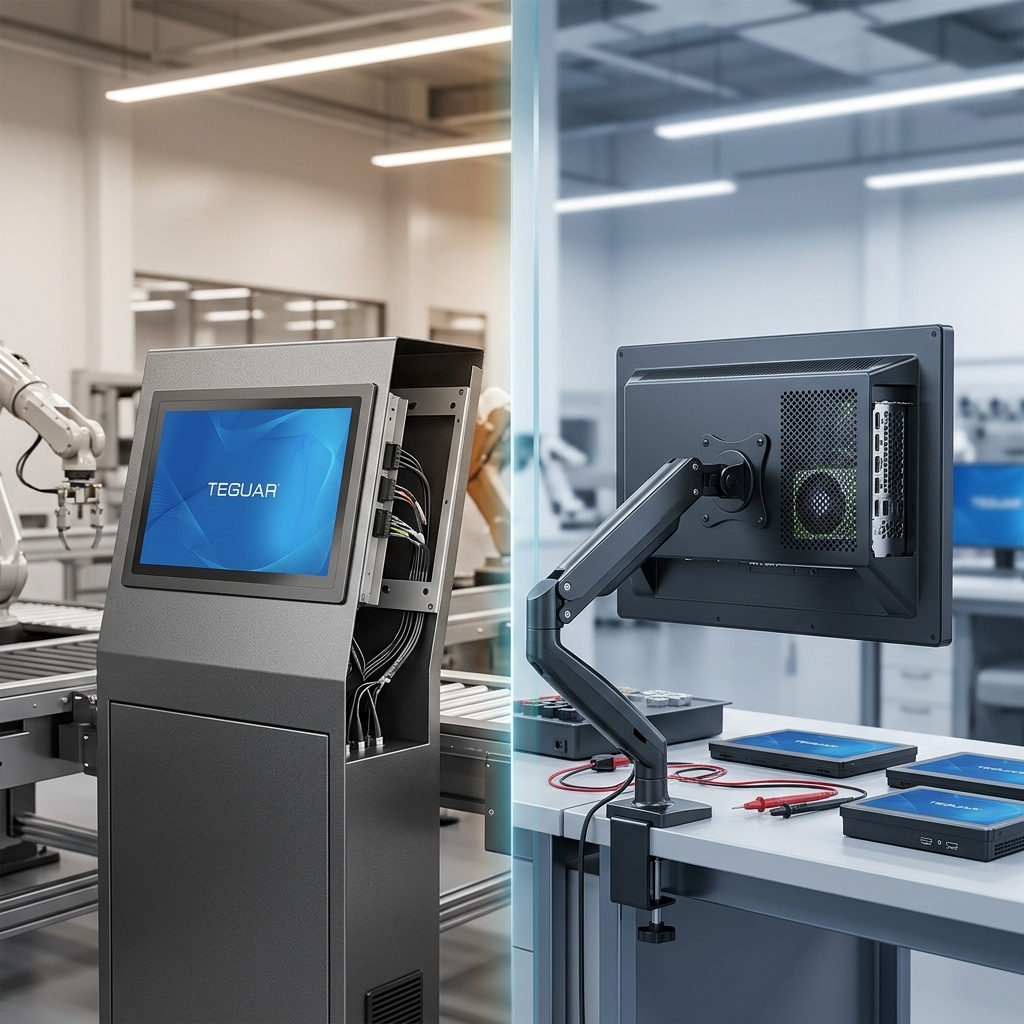 Panel PCs
 Open-Frame vs Closed-Frame Panel PCs: Which Do You Need?
The difference between open-frame and closed-frame panel PCs — construction, mounting, IP rating and use cases — and how to choose between embedding one and buying a finished unit.
Read article →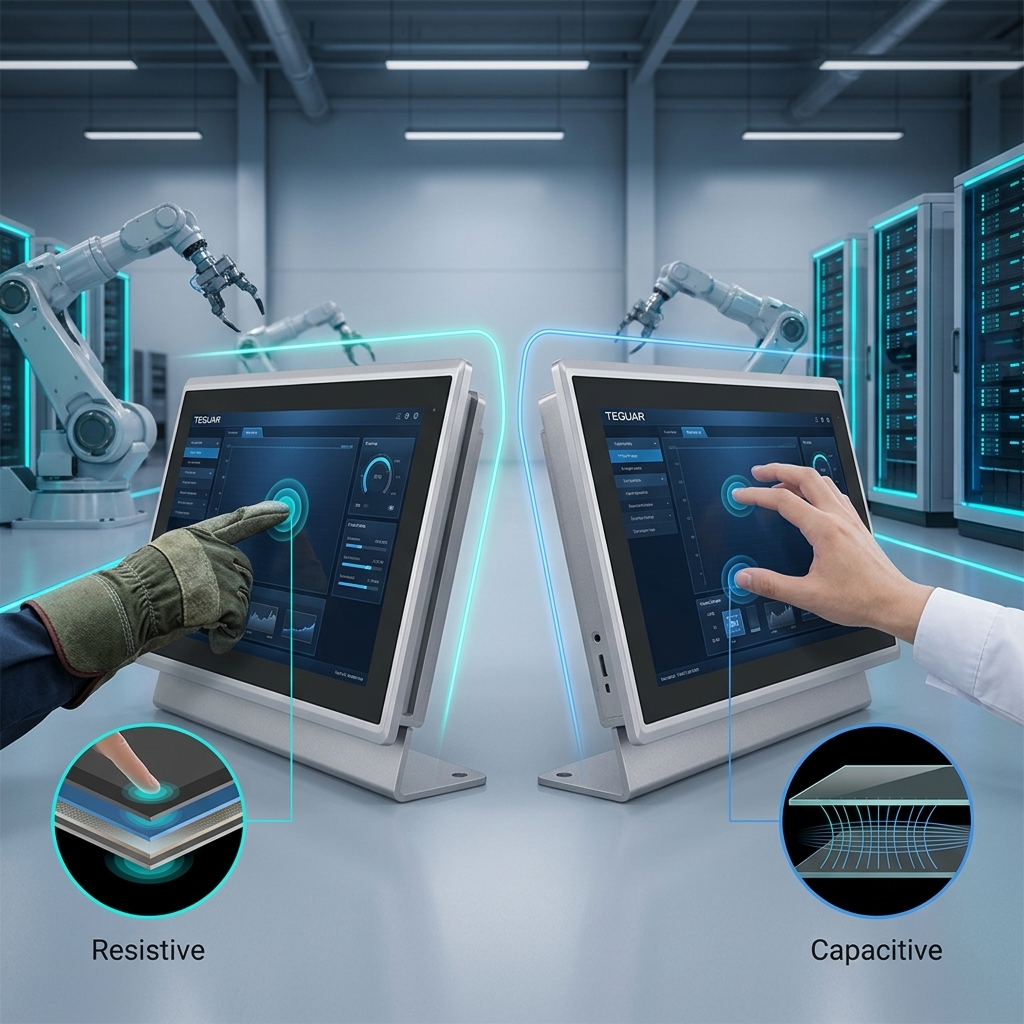 Panel PCs
 Resistive vs Capacitive Touchscreens for Industrial Panel PCs
How resistive and projected-capacitive touchscreens differ for industrial use — gloves, water, durability, multi-touch and cost — and how to choose the right one.
Read article →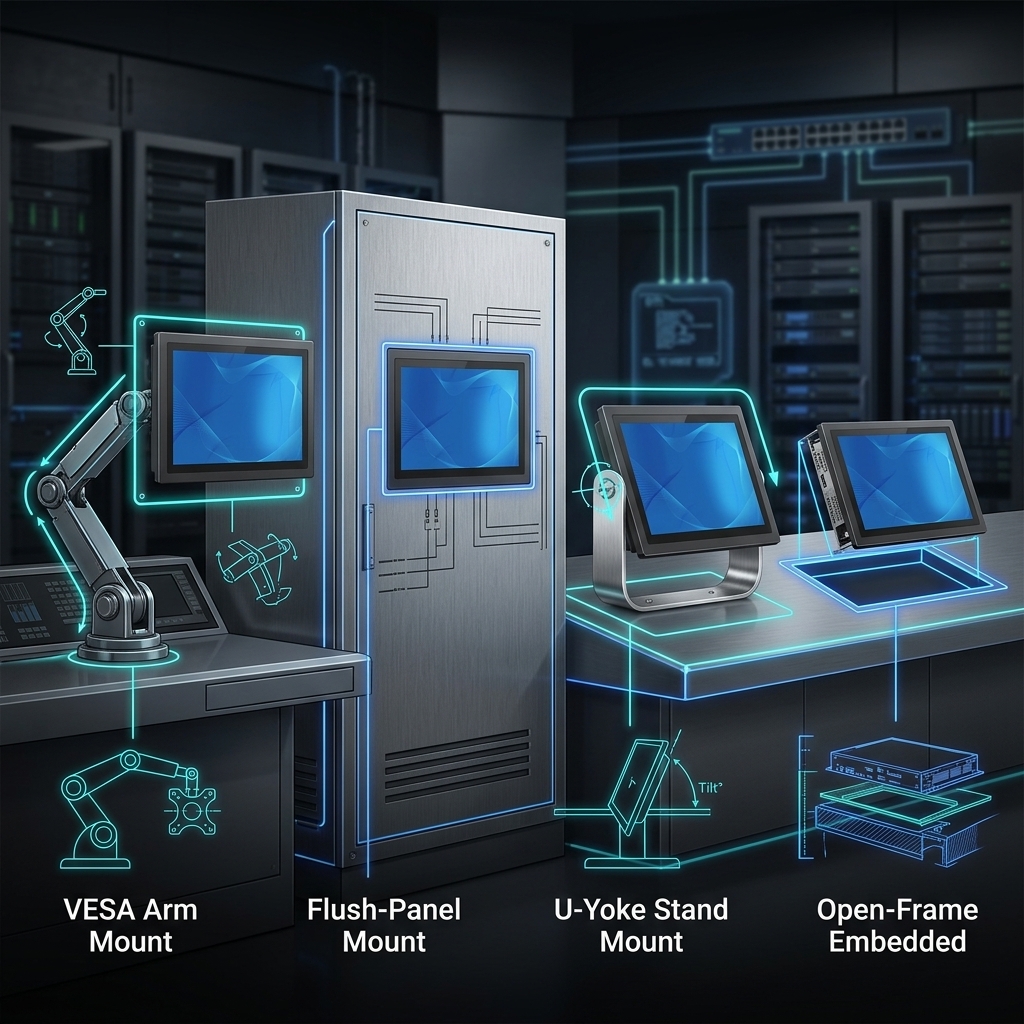 Panel PCs
 Panel PC Mounting Options: VESA, Panel, Yoke & Open-Frame
The main ways to mount an industrial panel PC — VESA, panel/flush cut-out, yoke/stand and open-frame — with the pros, cons and when to use each.
Read article →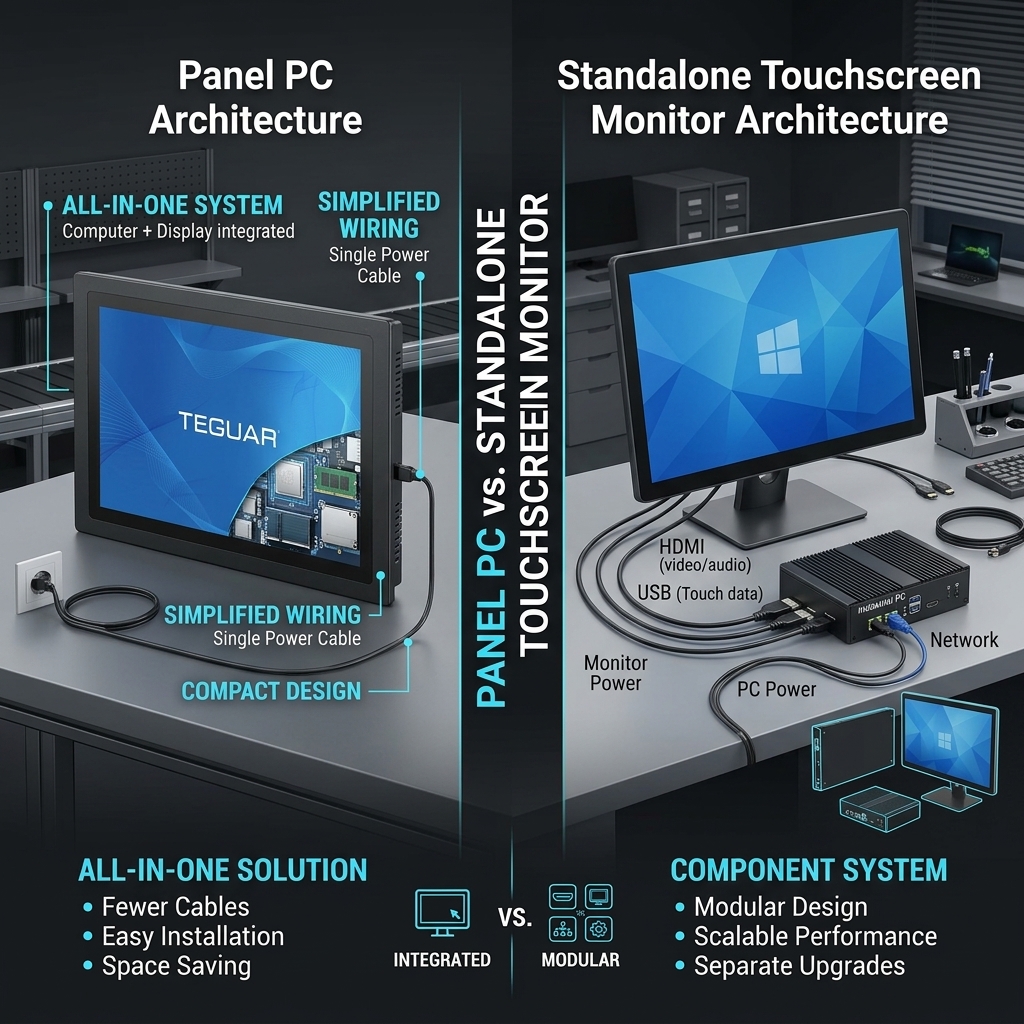 Panel PCs
 Panel PC vs Touchscreen Monitor: Which Architecture Do You Need?
Panel PC (all-in-one computer + display) or a touchscreen monitor driven by a separate PC? Compare cost, cabling, serviceability and reliability to choose.
Read article →