Blog
Resistive vs Capacitive Touchscreens for Industrial Panel PCs
Teguar Editorial Team · June 12, 2026
The touchscreen is the part of a panel PC your operators actually touch, thousands of times a day, often with gloves and around water. The choice between resistive and projected-capacitive technology shapes durability, glove and wet-hand behaviour, clarity and cost. This guide explains how each works, where each wins, and how to choose for your environment.
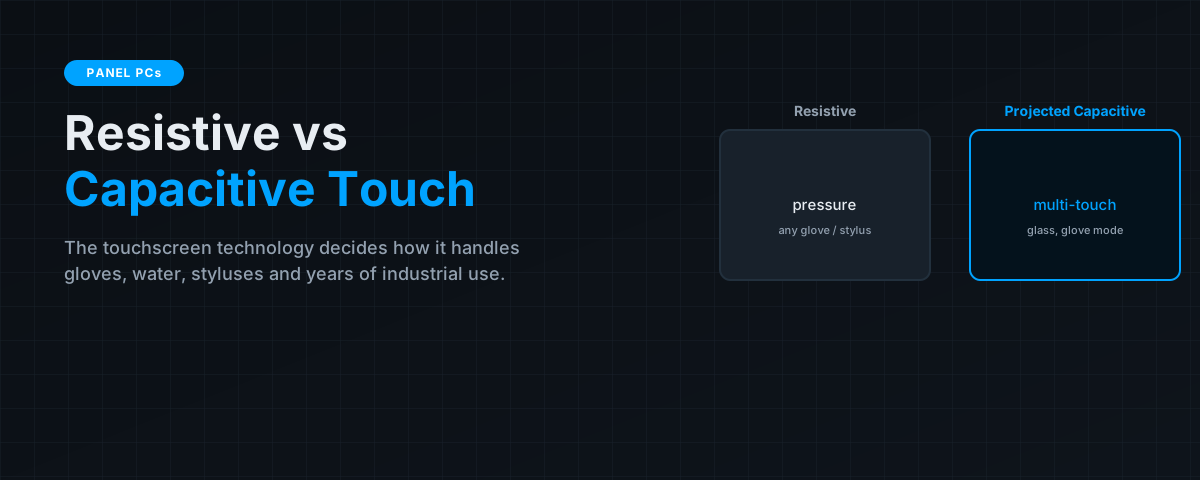
Two touchscreen technologies dominate industrial panel PCs, and they sense a touch in fundamentally different ways — one by pressure, one by the electrical field of your finger. That physical difference cascades into everything an operator cares about: whether it works with heavy gloves, how it behaves when wet, how clear and durable the surface is, and how much it costs. There is no universally "best" option, only the right fit for your environment.
Key takeaways
- Resistive screens sense pressure, so they work with any glove, stylus or object — but the surface is softer, single-touch, and less optically clear.
- Projected-capacitive (PCAP) screens sense your finger's electric field through hardened glass — durable, bright, multi-touch, but historically fussier with thick gloves and water.
- Modern PCAP controllers add glove modes and water rejection, closing much of the old gap, which is why PCAP now dominates new industrial designs.
- Choose by environment: heavy gloves, styluses, or the lowest cost favour resistive; durability, clarity, multi-touch and washdown favour PCAP.
How each technology senses a touch
Understanding the physics makes every trade-off obvious. The two approaches, from the touchscreen family, sense contact completely differently.

Resistive
A resistive screen has two flexible conductive layers separated by a tiny air gap. Pressing the surface — with a finger, gloved hand, stylus or any object — pushes the layers into contact at that point, and the controller reads the position. Because it responds to pressure from anything, it is wonderfully indifferent to what is touching it.
Projected capacitive (PCAP)
A PCAP screen has a grid of electrodes behind a solid glass front. A finger brought near the surface distorts the local electric field, and the controller locates that distortion. Because it senses a conductive object's field rather than pressure, it works through a solid, durable glass surface and supports true multi-touch — but it needs the touching object to couple to that field, which is where gloves and water historically caused trouble.
Head-to-head
| Factor | Resistive | Projected capacitive (PCAP) |
|---|---|---|
| Activation | Pressure — any object | Conductive object's field |
| Gloves | Any glove, any thickness | Thin gloves natively; thick gloves need glove mode |
| Wet / washdown | Works wet, but water can register | Water-rejection modes reject droplets |
| Durability | Softer film surface, wears | Hardened glass, very durable |
| Clarity / brightness | Lower (extra layers) | High, ideal for optical bonding |
| Multi-touch | No (single touch) | Yes |
| Stylus | Any stylus | Capacitive/active stylus |
| Relative cost | Lower | Higher |
Where resistive still wins
Resistive is far from obsolete. It is the pragmatic choice when operators wear thick or inconsistent gloves, when the interface is driven with a stylus or arbitrary object, when the application only needs simple single-touch input, and when cost is the deciding factor. In cold stores and heavy-glove assembly, a resistive panel simply works where an untuned PCAP screen would frustrate.
Where capacitive wins
PCAP has become the default for new designs for good reasons: the hardened glass front is far more durable and scratch-resistant, it is optically superior and pairs perfectly with optical bonding for sunlight readability, and it supports multi-touch gestures. Critically, modern PCAP controllers add glove modes and water-rejection, so a well-specified PCAP panel now handles gloves and washdown that older capacitive screens couldn't — which is why it suits washdown and food environments.
If you're leaning PCAP but worried about gloves or water, don't rule it out — confirm the panel supports a glove mode and water rejection, and test with your actual gloves. That single check resolves most concerns.
How to choose
- Profile the touch input. What touches the screen — bare fingers, thin or thick gloves, a stylus, wet hands? Thick gloves and arbitrary objects lean resistive; fingers and thin gloves lean PCAP.
- Weigh durability and clarity. High-use or bright/outdoor installs strongly favour PCAP's glass and optical performance.
- Decide on multi-touch. Need gestures or pinch-zoom? PCAP only.
- If washdown, choose PCAP with water rejection and the right IP rating.
- Validate with real gloves and real conditions before committing to a fleet.
The bottom line
Resistive senses pressure from anything and remains the smart pick for heavy gloves, styluses, simple input and tight budgets; projected-capacitive senses your finger through durable glass and wins on toughness, clarity, multi-touch and — with modern glove and water-rejection modes — most of the glove and washdown cases it once lost. Profile what will actually touch the screen, weigh durability and clarity, and validate with your real gloves. Get that right and the panel disappears into the job. See our panel PC buying guide, size the display with our panel sizing guide, and browse industrial panel PCs such as the TP-7045-16.
Frequently asked questions
Resistive or capacitive — which is better for industrial use?
Neither universally. Resistive suits thick gloves, styluses, simple single-touch input and lower budgets; projected-capacitive suits durability, clarity, multi-touch and washdown. Choose by what touches the screen and the environment.
Do capacitive touchscreens work with gloves?
Thin gloves work natively. Thick gloves need a PCAP panel with a 'glove mode' enabled. If operators wear heavy gloves, either choose resistive or confirm and test the PCAP glove mode with your actual gloves.
Which is more durable?
Projected-capacitive. Its hardened glass front resists scratches and heavy use far better than a resistive screen's softer flexible film surface, and it pairs well with optical bonding.
Which works better when wet or during washdown?
PCAP with a water-rejection mode is best for washdown, as it ignores water droplets. Resistive works when wet but water pressure can register false touches. Pair PCAP with an appropriate IP rating.
Does resistive support multi-touch?
No. Resistive is single-touch by nature. If you need gestures like pinch-to-zoom or two-finger input, you need a projected-capacitive screen.