Blog
Open-Frame vs Closed-Frame Panel PCs: Which Do You Need?
Teguar Editorial Team · June 29, 2026
When you specify a panel PC you'll quickly hit a fork: open-frame or closed-frame. It's not a quality distinction — both can be excellent — but a decision about who provides the final enclosure. Choose wrong and you either pay for housing you'll discard or scramble to build one you assumed came included. This guide explains the real difference, where each fits, and how to choose.
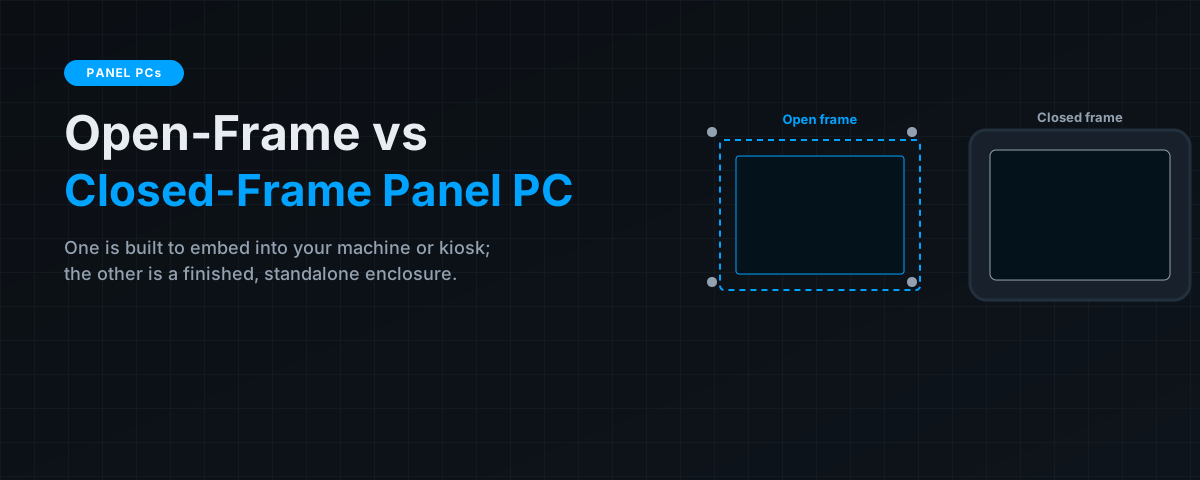
Open-frame and closed-frame describe how finished the panel PC is when it arrives. A closed-frame unit is a complete, standalone product you mount and run. An open-frame unit is a bare display-and-computer assembly designed to be built into something else — a kiosk, a machine fascia, a custom console. Both run the same class of hardware inside; the difference is entirely about integration, and that difference drives cost, mounting and environmental rating.
Key takeaways
- Closed-frame panel PCs are finished, self-contained units — mount them (VESA/panel/yoke) and go, often with an IP-rated front bezel.
- Open-frame panel PCs are bare chassis with mounting brackets, designed to be embedded into your own enclosure, kiosk or machine.
- Open-frame suits OEMs and custom builds where you provide the outer housing; closed-frame suits standalone HMI and workstation deployments.
- The choice affects who owns the final bezel, the IP rating, aesthetics and cost — decide based on whether the PC is embedded or standalone.
The core difference
A panel PC combines a display, touchscreen and computer in one flat unit. Whether it's "open" or "closed" frame describes what surrounds that assembly.
Closed-frame means the assembly is housed in a complete, finished enclosure with a front bezel, ready to mount and use as-is. Open-frame means the assembly ships as a bare chassis with mounting brackets or studs and an exposed rear, intended to be integrated behind a panel or into a larger product where you supply the visible front surface and outer housing.
Where each one fits

Choose open-frame when…
- You're an OEM or system integrator building the panel PC into your own product — a kiosk, vending machine, medical cart, or bespoke console.
- You need the display to sit flush behind a custom fascia that you design and control.
- You want to own the aesthetics, branding and final ingress sealing of the front surface.
Choose closed-frame when…
- You need a standalone HMI station or workstation that's ready to deploy out of the box.
- You want a manufacturer-provided IP-rated front bezel (e.g. IP65) without building your own sealing.
- You're mounting to a machine, wall, arm or stand with standard mounting hardware (VESA, panel cut-out, yoke).
The deciding question is simple: are you embedding the panel PC into something you're building, or deploying it as a finished device? Embedding → open-frame. Standalone → closed-frame.
What doesn't change
Crucially, open vs closed frame is not a statement about internal quality, performance or ruggedness. Both can offer the same processors, the same fanless designs, the same touch technologies and the same brightness options. So the rest of your specification — screen size, touch type, brightness, IP rating on the sealed surface, and I/O — is decided independently of the frame choice, using the same logic covered in our panel PC buying guide.
A note on ingress rating
One practical consequence worth calling out: with a closed-frame unit, the manufacturer's stated IP rating (e.g. IP65 front) applies to the finished product. With an open-frame unit, the front sealing depends on your integration — how you mount it behind your fascia and gasket it. If you need a specific washdown or dust rating on an open-frame build, that sealing is your responsibility to design and validate. (See IP69K vs IP67 vs IP66 for the ratings themselves.)
The bottom line
Open-frame and closed-frame panel PCs run the same class of hardware; they differ in how finished they arrive and, therefore, who provides the final enclosure and front seal. Pick open-frame when you're an OEM embedding the display into your own product and want to control the fascia and sealing; pick closed-frame when you want a finished, standalone HMI with a manufacturer-rated bezel ready to mount and run. Decide the frame first, then specify size, touch, brightness and I/O the same way regardless. Browse industrial panel PCs such as the TP-7045-16.
Frequently asked questions
What is the difference between open-frame and closed-frame panel PCs?
A closed-frame panel PC is a finished, self-contained enclosure you mount and run as-is. An open-frame panel PC is a bare chassis with mounting brackets, designed to be embedded into your own enclosure, kiosk or machine where you provide the outer housing.
When should I choose an open-frame panel PC?
When you're an OEM or integrator building the display into your own product and want to control the front fascia, branding and sealing — kiosks, vending machines, custom consoles and machine fascias.
When should I choose a closed-frame panel PC?
When you need a standalone HMI or workstation ready to deploy out of the box, ideally with a manufacturer-provided IP-rated bezel and standard VESA/panel/yoke mounting.
Is open-frame or closed-frame more rugged?
Neither inherently. The frame type describes how finished the unit is, not internal quality. Both can share the same processors, fanless designs, touch technologies and brightness options.
Who is responsible for the IP rating on an open-frame panel PC?
You are. A closed-frame unit's IP rating applies to the finished product, but on an open-frame build the front sealing depends on how you integrate and gasket it behind your fascia, so you must design and validate that sealing.