Blog
How to Build: Thermal Computer Vision for Patient Fever Detection in Entrances using Horizon TM-6140-22 Medical Touchscreen Computer
Teguar Engineering Team · February 24, 2026
An engineering guide showing how to implement thermal computer vision for patient fever detection in entrances on Teguar's purpose-built Horizon TM-6140-22 Medical Touchscreen Computer with computer vision & model training.
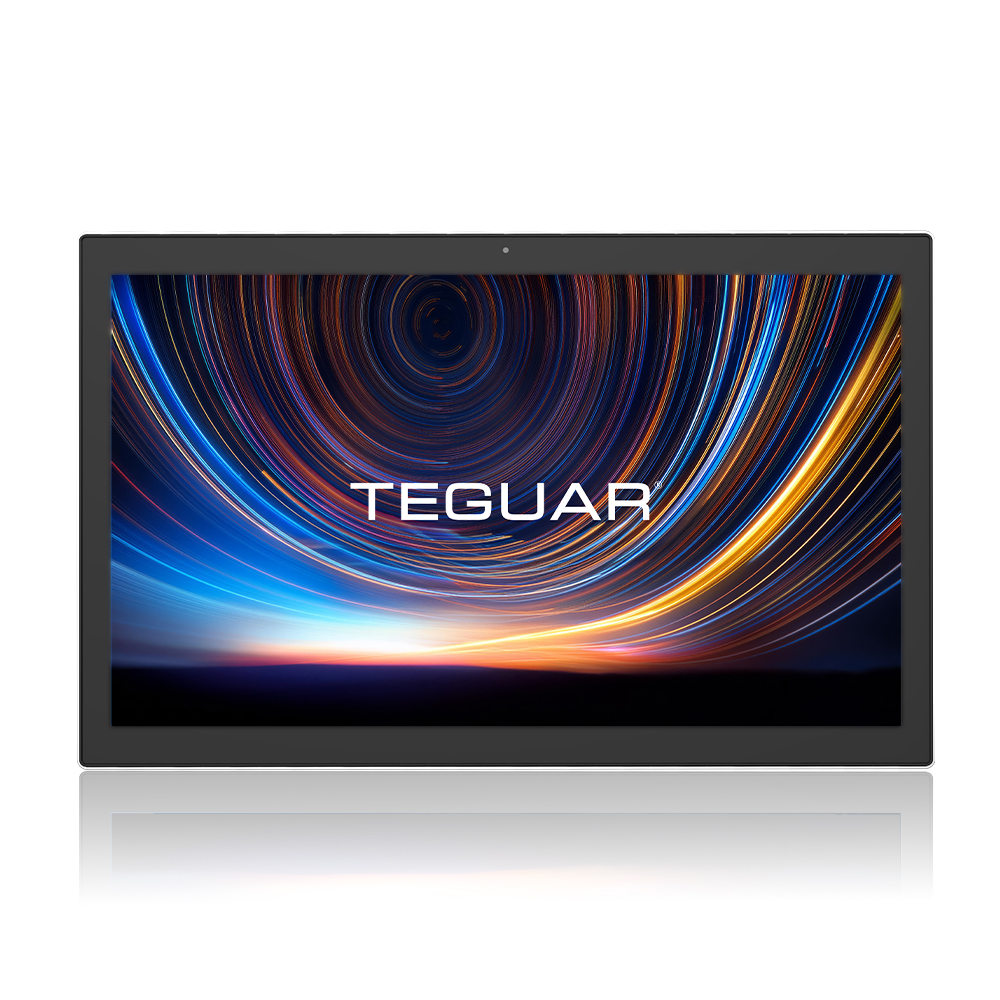
title: "How to Build: Thermal Computer Vision for Patient Fever Detection in Entrances using Horizon TM-6140-22 Medical Touchscreen Computer" excerpt: "An engineering guide showing how to implement thermal computer vision for patient fever detection in entrances on Teguar's purpose-built Horizon TM-6140-22 Medical Touchscreen Computer with computer vision & model training." date: "2026-07-07" skill: "Computer Vision & Model Training" hardware_name: "Horizon TM-6140-22 Medical Touchscreen Computer" hardware_img: "21-5-inch-medical-touch-screen-computer-horizon-tm-6140-22.jpg" hardware_type: "medical-panel-pc"
Introduction
Monitoring patient and visitor temperatures at healthcare facility entrances is a vital first line of defense against infectious outbreaks. Traditional manual temperature screening is labor-intensive and slows down foot traffic. By integrating thermal cameras with computer vision, entrances can be monitored autonomously.
This guide details the implementation of a thermal computer vision fever detection system using the Horizon TM-6140-22 Medical Touchscreen Computer.
The Hardware Foundation: Horizon TM-6140-22 Medical Touchscreen Computer
The Horizon TM-6140-22 Medical Touchscreen Computer is a medical-grade touchscreen computer ideal for patient-facing kiosks and entrance monitoring:
- Antibacterial Enclosure: Prevents bacterial growth on the device surface.
- IP65 Rated Front Bezel: Allows easy disinfection with harsh medical wipes.
- Integrated High-Resolution Display: Provides clear, real-time feedback to staff and visitors.
- Power over Ethernet (PoE): Simplifies installation by running power and high-speed data over a single cable.
Step-by-Step Implementation
Step 1: Camera Calibration and Alignment
Thermal imaging systems require mapping thermal sensor pixels to RGB camera pixels to accurately read the temperature of a person's inner canthus (corner of the eye), which provides the most accurate core temperature estimate.
Step 2: Facial Landmark Detection
Using OpenCV and a lightweight face detector (such as MediaPipe or Haar Cascades), we identify the facial landmarks in the RGB frame and translate those coordinates to the thermal matrix.
import cv2
import numpy as np

# Load thermal and RGB frames
rgb_frame = cv2.imread('rgb.png')
thermal_matrix = np.load('thermal.npy') # Celsius values per pixel

# Run face detection and extract region of interest (ROI)
# Check maximum temperature in the eye area
max_temp = np.max(thermal_matrix[y:y+h, x:x+w])
if max_temp > 38.0:
    print(f"Fever Alert! Temperature detected: {max_temp}°C")
Step 3: Deployment on Horizon TM-6140-22 Medical Touchscreen Computer
We deploy the system as a local service on the Horizon TM-6140-22 Medical Touchscreen Computer, utilizing its GPU acceleration to run the face detection model at 30 FPS while updating the UI overlay in real-time.
Conclusion
The Horizon TM-6140-22 Medical Touchscreen Computer delivers the sanitization capabilities, high-performance display, and processing power required to operate automated thermal screening checkpoints reliably.