Blog
How to Build: Privacy-Preserving RAG for Patient History Summarization at Edge using TM-7240-22 Medical Grade AIO PC
Teguar Engineering Team · March 7, 2026
An engineering guide showing how to implement privacy-preserving rag for patient history summarization at edge on Teguar's purpose-built TM-7240-22 Medical Grade AIO PC with rag & llms.
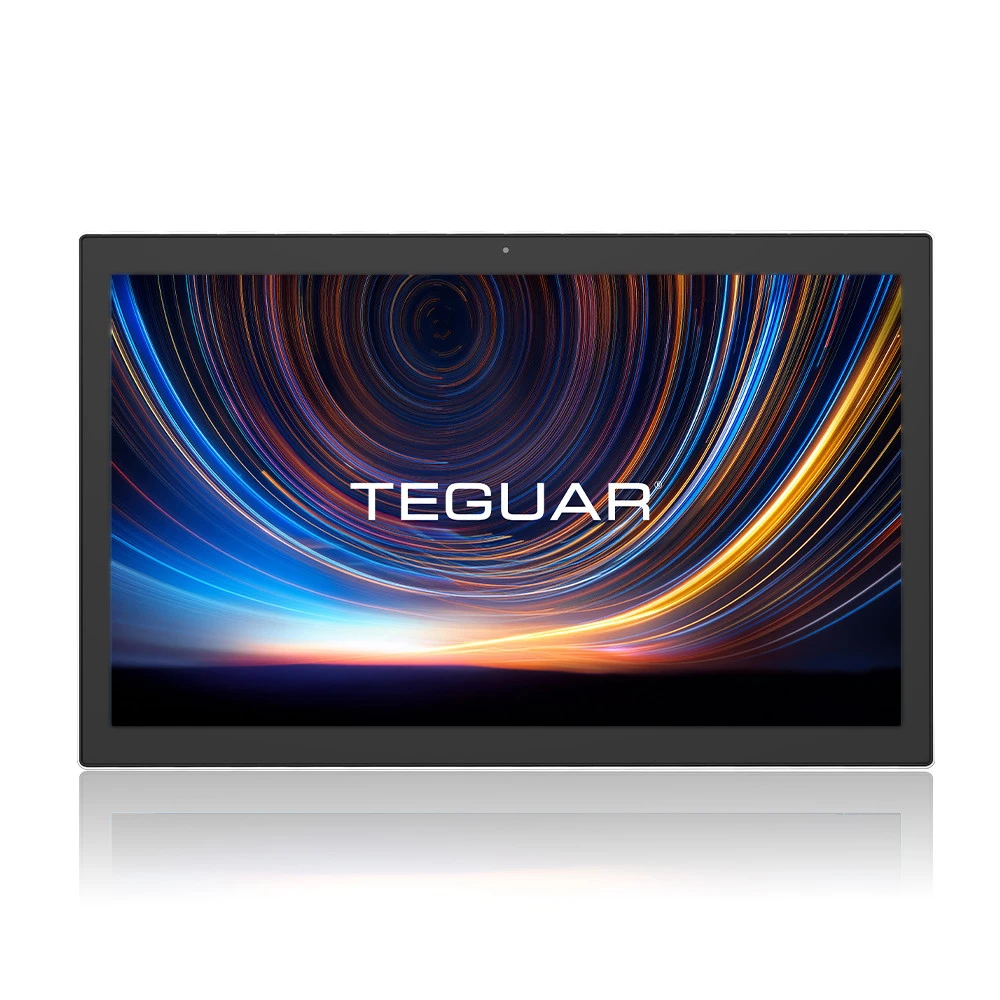
In clinical environments, summarizing patient histories is a vital yet time-consuming task for healthcare providers. While modern Large Language Models (LLMs) and Retrieval-Augmented Generation (RAG) offer powerful summarization capabilities, sending sensitive Protected Health Information (PHI) to third-party cloud APIs poses significant compliance risks under HIPAA.
This guide provides a comprehensive walkthrough for building a fully local, privacy-preserving RAG system on Teguar's TM-7240-22 Medical Grade AIO PC. By executing embeddings and model inference entirely on-premises at the edge, you ensure patient data never leaves the hospital's secure network.
Hardware Selection: The TM-7240-22 Medical Grade AIO PC
Running local embeddings and quantized LLM inference requires a medical-grade computer with high-performance processing capabilities and fanless thermal reliability.
- Clinical Certification: The TM-7240-22 is fully UL/cUL 60601-1 certified, ensuring electrical safety for bedside and operating room integration.
- Fanless Hygiene: Its fanless cooling design prevents the circulation of airborne pathogens and dust, critical for sterile environments.
- Compute Power: Equipped with high-performance Intel Core processors and support for high-bandwidth RAM, it provides the local computing resources needed to run lightweight models (e.g., Llama-3-8B-Instruct quantized via GGUF).
System Architecture
The following diagram illustrates the edge-based RAG architecture:
+---------------------------------------------------------------------------------+
|                       TM-7240-22 Medical Grade AIO PC                           |
|                                                                                 |
|  +---------------------+      +---------------------+     +------------------+  |
|  |  Local EHR Database | ---> | Embedding Pipeline  | --> | Local Vector DB  |  |
|  |  (JSON/HL7 Data)    |      | (bge-small-en-v1.5) |     | (Chroma/FAISS)   |  |
|  +---------------------+      +---------------------+     +--------+---------+  |
|                                                                    |            |
|                                                                    v            |
|  +---------------------+      +---------------------+     +--------+---------+  |
|  |  Physician Query    | ---> | Prompt Generator    | <-- | Relevant Context |  |
|  |  (e.g., "Summarize")|      | (HIPAA Safe Template|     | (Patient Record) |  |
|  +---------------------+      +----------+----------+     +------------------+  |
|                                          |                                      |
|                                          v                                      |
|                               +----------+----------+                           |
|                               | Local LLM Inference |                           |
|                               | (Llama-3-8B GGUF)   |                           |
|                               +----------+----------+                           |
|                                          |                                      |
|                                          v                                      |
|                               +----------+----------+                           |
|                               | Patient Summary     |                           |
|                               +---------------------+                           |
+---------------------------------------------------------------------------------+
Step-by-Step Implementation
Step 1: Setting Up the Local Environment
First, ensure you have the required local Python dependencies installed. We will use llama-cpp-python for CPU-accelerated LLM execution and sentence-transformers for local embedding generation.
pip install llama-cpp-python sentence-transformers chromadb langchain-communityStep 2: Local Document Embedding and Vector Storage
We load patient records, split them into secure chunks, and store their vector representations locally using Chroma DB.
from sentence_transformers import SentenceTransformer
import chromadb
import uuid

# Initialize ChromaDB client locally (no cloud sync)
chroma_client = chromadb.PersistentClient(path="./local_secure_db")
collection = chroma_client.get_or_create_collection(name="patient_history")

# Initialize local embedding model
embedding_model = SentenceTransformer("BAAI/bge-small-en-v1.5")

def ingest_patient_record(patient_id, notes):
    for note in notes:
        # Generate embedding locally
        embedding = embedding_model.encode(note).tolist()

        # Insert metadata and vectors locally
        collection.add(
            embeddings=[embedding],
            documents=[note],
            metadatas=[{"patient_id": patient_id}],
            ids=[str(uuid.uuid4())]
        )
Step 3: Retrieval and Prompt Construction
When a doctor asks for a summary, we retrieve patient-specific context and inject it into a template.
def retrieve_patient_context(patient_id, query, n_results=3):
    query_embedding = embedding_model.encode(query).tolist()

    results = collection.query(
        query_embeddings=[query_embedding],
        n_results=n_results,
        where={"patient_id": patient_id}
    )
    return "\n".join(results['documents'][0])
Step 4: Local LLM Summarization
Using llama-cpp-python, we load a GGUF model and run inference locally on the TM-7240-22 PC.
from llama_cpp import Llama

# Load quantized Llama-3 model
llm = Llama(
    model_path="./models/llama-3-8b-instruct.Q4_K_M.gguf",
    n_ctx=2048,
    n_threads=4  # Optimized for TM-7240-22 Intel CPU cores
)

def generate_patient_summary(patient_id, query):
    context = retrieve_patient_context(patient_id, query)

    prompt = f"""System: You are a HIPAA-compliant medical AI assistant running locally. Summarize the patient's history based strictly on the provided context. Do not invent details.
Context:
{context}

Question: {query}
Answer:"""

    response = llm(prompt, max_tokens=256, temperature=0.2)
    return response["choices"][0]["text"]
Performance & Optimization for the Edge
- Context Limit: Restrict the context window (
n_ctx=2048) to maintain fast token generation times on edge hardware. - Quantization: Use Q4_K_M GGUF format to reduce model memory footprint to ~4.8 GB, leaving plenty of RAM for other clinical applications running on the TM-7240-22.
- Thread Mapping: Set
n_threadsmatching the physical cores of the TM-7240-22's Core i5/i7 processor to maximize CPU utilization without causing thermal throttling.
Conclusion
By running this local RAG workflow on Teguar's TM-7240-22 Medical PC, clinical facilities can harness the power of LLM-based summarization while guaranteeing patient privacy and achieving HIPAA compliance out-of-the-box.