Blog
How to Build: Offline Medical Translation Agents for Multilingual Care Facilities using TM-4433-10 Compact Medical Computer
Teguar Engineering Team · February 9, 2026
An engineering guide showing how to implement offline medical translation agents for multilingual care facilities on Teguar's purpose-built TM-4433-10 Compact Medical Computer with rag & llms.
Language barriers in healthcare can lead to diagnostic errors, patient anxiety, and operational bottlenecks. While translation services are available, relying on internet-dependent cloud tools at admission desks poses security risks and fails if the local network experiences downtime.
This engineering guide shows how to deploy a high-speed, local Offline Medical Translation Agent on Teguar's TM-4433-10 Compact Medical Computer.
Hardware Solution: TM-4433-10 Compact Medical Computer
Admissions, check-in desks, and reception areas require spaces-saving computing hardware that operates continuously and reliably.
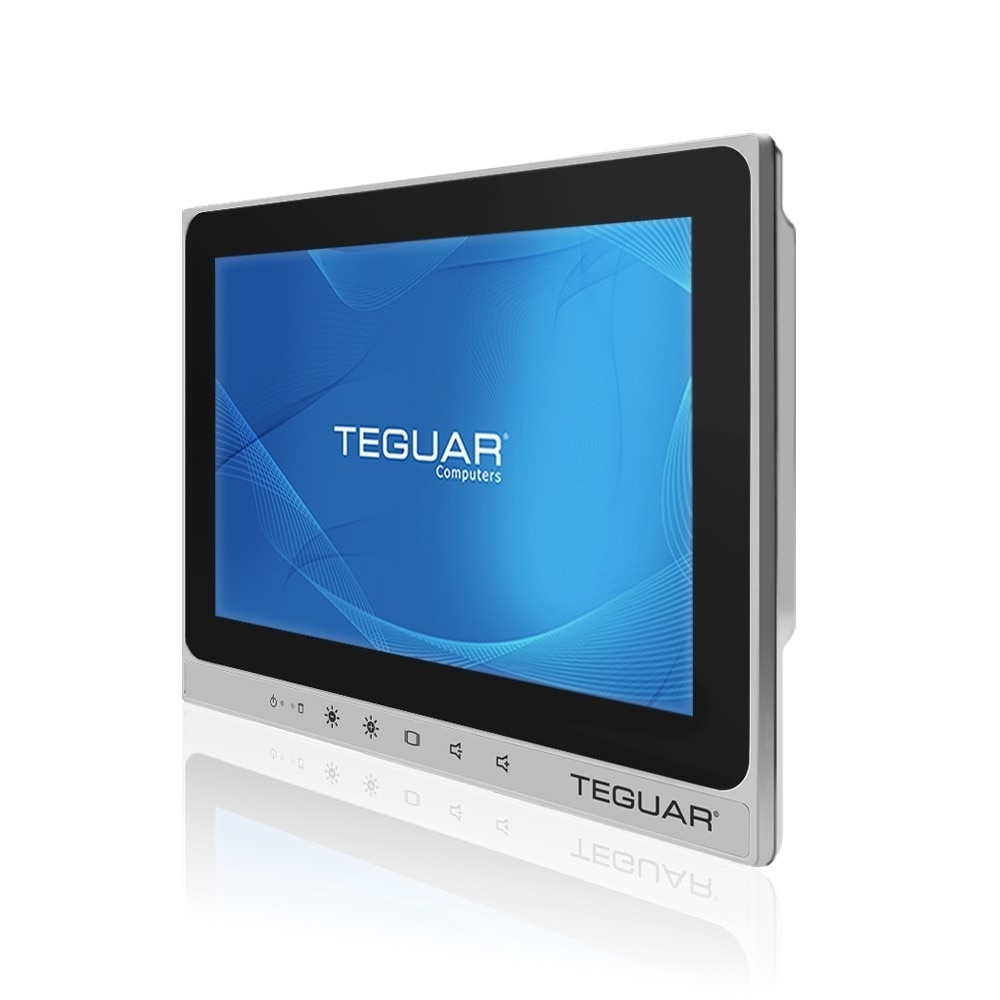
- Compact 10" Touchscreen: The TM-4433-10's small footprint fits easily on busy reception counters, offering a double-sided interaction display for patient-doctor communication.
- Fanless Reliability: Eliminating moving fans prevents noise and dust build-up in busy public clinic lobbies.
- Continuous Operations: Engineered with industrial-grade components, it runs local translation pipelines smoothly without thermal degradation.
Offline Translation Flow
+---------------------------------------------------------------------------------+
|                    TM-4433-10 Compact Medical Computer                          |
|                                                                                 |
|  +--------------------+      +--------------------+     +--------------------+  |
|  | Patient Speech     | ---> | Local ASR          | --> | Local Translation  |  |
|  | (Audio stream)     |      | (Whisper-base GGUF)|     | (CTranslate2 Model)|  |
|  +--------------------+      +--------------------+     +---------+----------+  |
|                                                                   |             |
|                                                                   v             |
|                                                         +---------+----------+  |
|                                                         | Translated Text    |  |
|                                                         | on 10" Screen      |  |
|                                                         +--------------------+  |
+---------------------------------------------------------------------------------+
Coding the Offline Translation Agent
Step 1: Installing Faster-Whisper and Local Translators
We'll leverage optimized C++ binaries for local automatic speech recognition (ASR) and neural translation.
pip install faster-whisper ctranslate2 transformersStep 2: Speech-to-Text with Local Whisper
Load the Whisper model onto the TM-4433-10 PC locally.
from faster_whisper import WhisperModel

# Use a lightweight Whisper model for edge computers
speech_model = WhisperModel("base", device="cpu", compute_type="int8")

def transcribe_audio(audio_path):
    segments, info = speech_model.transcribe(audio_path, beam_size=5)
    text = "".join([segment.text for segment in segments])
    return text, info.language
Step 3: High-Quality Offline Translation
We utilize a pre-trained Translation model optimized via CTranslate2 for CPU execution.
from transformers import AutoTokenizer
import ctranslate2

# Initialize translation translator locally
translator = ctranslate2.Translator("models/helsinki-nlp-translation-es-en", device="cpu")
tokenizer = AutoTokenizer.from_pretrained("Helsinki-NLP/opus-mt-es-en")

def translate_es_to_en(text):
    tokens = tokenizer.convert_ids_to_tokens(tokenizer.encode(text))
    results = translator.translate_batch([tokens])
    output_tokens = results[0].hypotheses[0]
    translated_text = tokenizer.decode(tokenizer.convert_tokens_to_ids(output_tokens))
    return translated_text
Step 4: End-to-End Execution
# Convert patient intake audio locally
text_es, lang = transcribe_audio("patient_intake_es.wav")
print(f"Transcribed (Spanish): {text_es}")

if lang == "es":
    translated_en = translate_es_to_en(text_es)
    print(f"Translated (English): {translated_en}")
Optimization for Point-of-Care Interactions
- Int8 Quantization: Quantizing both speech and translation networks to 8-bit integers (
int8) reduces CPU workload and speeds up translation cycles. - Audio Streaming: Stream audio in chunks to perform concurrent transcription, lowering UI latency for patient dialogues.
Conclusion
Deploying local transcription and translation systems on Teguar's TM-4433-10 PC provides clinical desks with a resilient, responsive tool that bridges linguistic barriers while safeguarding patient data privacy.