Blog
How to Build: Interfacing Medical Cart Hot-Swap Batteries with AI Box Computers using TM-4433-10 Compact Medical Computer
Teguar Engineering Team · January 14, 2026
An engineering guide showing how to implement interfacing medical cart hot-swap batteries with ai box computers on Teguar's purpose-built TM-4433-10 Compact Medical Computer with ai hardware integration.
title: "How to Build: Interfacing Medical Cart Hot-Swap Batteries with AI Box Computers using TM-4433-10 Compact Medical Computer" excerpt: "An engineering guide showing how to implement interfacing medical cart hot-swap batteries with ai box computers on Teguar's purpose-built TM-4433-10 Compact Medical Computer with ai hardware integration." date: "2026-07-07" skill: "AI Hardware Integration" hardware_name: "TM-4433-10 Compact Medical Computer" hardware_img: "10-inch-medical-computer-tm-4433-10.jpg" hardware_type: "medical-panel-pc"
Introduction
Mobile medical carts (workstations on wheels) require continuous power as nurses move from room to room. When these carts host high-performance edge AI hardware, power consumption increases significantly. Integrating hot-swappable batteries with the computer's internal power delivery system is crucial to prevent data loss and system reboots.
This article details how to interface hot-swap batteries with the TM-4433-10 Compact Medical Computer.
The Hardware Foundation: TM-4433-10 Compact Medical Computer
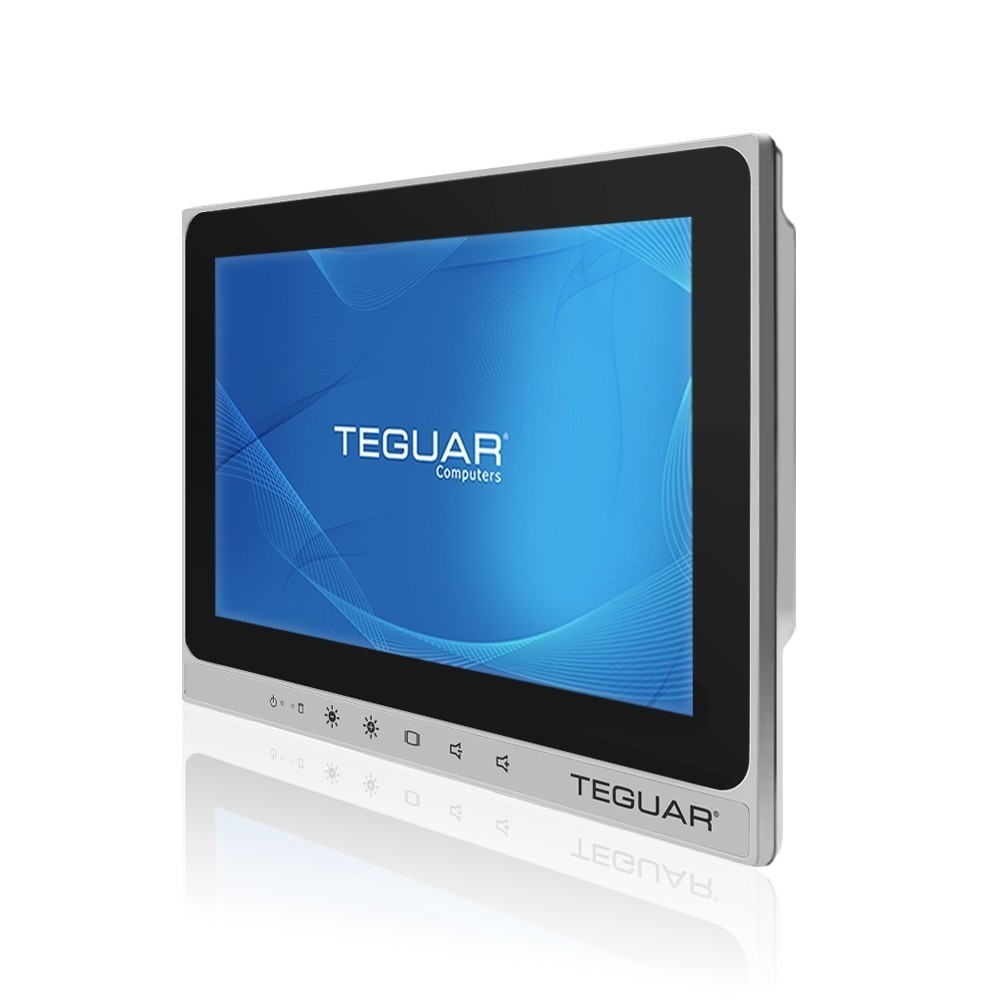
The TM-4433-10 Compact Medical Computer is a compact medical panel PC designed for mobile cart integration:
- Wide DC Input Range: Accepts variable voltage inputs typical of battery systems.
- 60601-1 Certified Isolation: Prevents electrical feedback from battery charging systems.
- Fanless & Compact: Fits easily on small cart mounts without restricting space.
- Intel Core Processor: Runs demanding clinical dashboard interfaces smoothly.
Step-by-Step Battery Interfacing
Step 1: Wiring and Ingress Protection
Connect the battery management system (BMS) to the PC's DC-in terminal using sealed, latching aviation connectors.
Step 2: Monitoring State of Charge (SoC) via SMBus / ACPI
We write a daemon script to poll battery health and capacity using standard Linux sysfs or Windows WMI interfaces.
import os

def read_battery_capacity():
    # Read capacity percentage from sysfs
    capacity_path = "/sys/class/power_supply/BAT0/capacity"
    if os.path.exists(capacity_path):
        with open(capacity_path, 'r') as f:
            return int(f.read().strip())
    return None
Step 3: Failsafe Actions
When the primary battery is removed, the system detects the transition to the secondary backup cell, alerting the user via on-screen notifications to insert a fresh battery.
Conclusion
Interfacing hot-swappable batteries with the TM-4433-10 Compact Medical Computer creates a reliable, continuous-run clinical workstation ready for edge AI tasks.