Blog
How to Build: Implementing End-to-End Encryption for PHI Data in Transit at the Edge using Horizon TM-6140-22 Medical Touchscreen Computer
Teguar Engineering Team · April 3, 2025
An engineering guide showing how to implement implementing end-to-end encryption for phi data in transit at the edge on Teguar's purpose-built Horizon TM-6140-22 Medical Touchscreen Computer with ai solutions architecture.
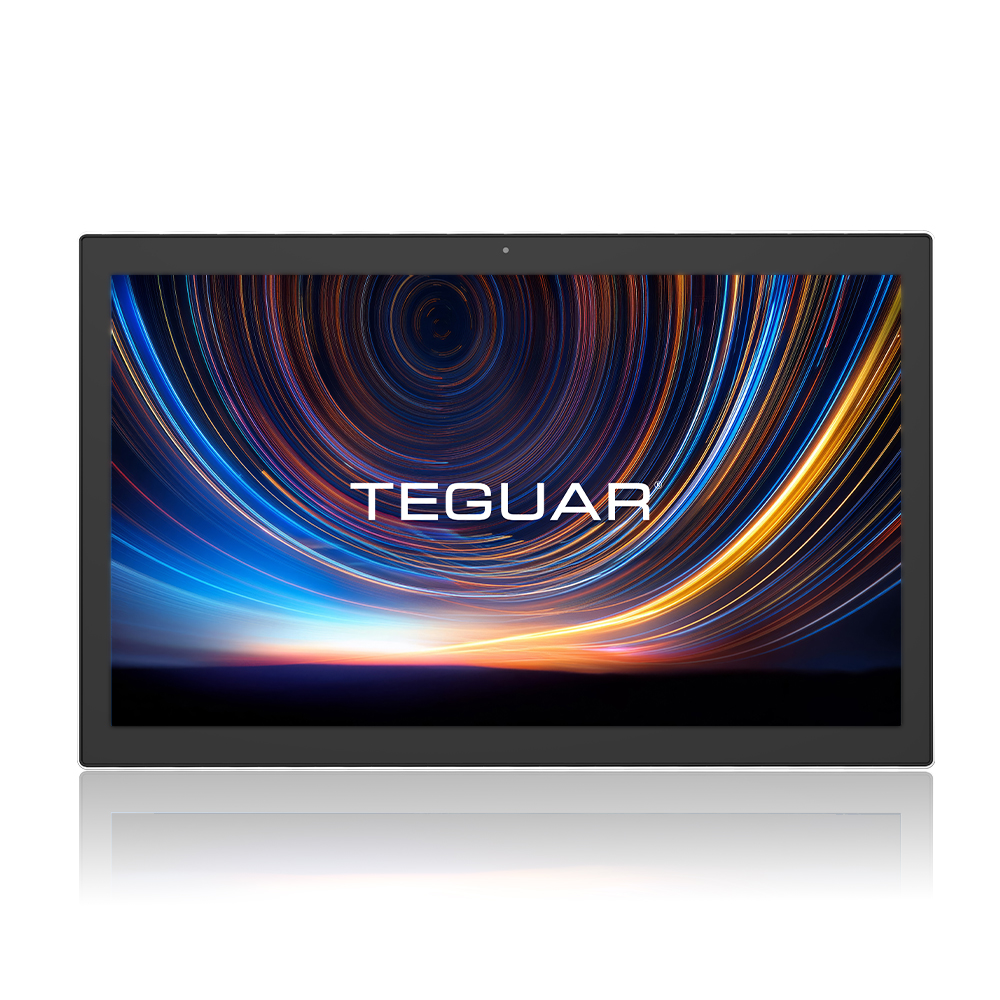
title: "How to Build: Implementing End-to-End Encryption for PHI Data in Transit at the Edge using Horizon TM-6140-22 Medical Touchscreen Computer" excerpt: "An engineering guide showing how to implement implementing end-to-end encryption for phi data in transit at the edge on Teguar's purpose-built Horizon TM-6140-22 Medical Touchscreen Computer with ai solutions architecture." date: "2026-07-07" skill: "AI Solutions Architecture" hardware_name: "Horizon TM-6140-22 Medical Touchscreen Computer" hardware_img: "21-5-inch-medical-touch-screen-computer-horizon-tm-6140-22.jpg" hardware_type: "medical-panel-pc"
Executive Summary
An engineering guide showing how to implement implementing end-to-end encryption for phi data in transit at the edge on Teguar's purpose-built Horizon TM-6140-22 Medical Touchscreen Computer with ai solutions architecture.
Protecting patient privacy is a legal and ethical requirement in modern healthcare. Under HIPAA, Protected Health Information (PHI) must be fully encrypted both at rest and in transit. This engineering guide covers how to implement secure, end-to-end encryption protocols on the Horizon TM-6140-22 Medical Touchscreen Computer to safeguard patient data as it moves from bedside sensors to hospital databases.
The Security Risk of Edge Data
Edge devices represent a primary security boundary. Bedside terminals ingest highly sensitive data—including patient names, vital signs, and diagnostic images. If this data is transmitted over local hospital Wi-Fi networks in plain text, it is vulnerable to interception, tampering, or spoofing. To protect this information, we must establish a hardware root of trust and enforce strict transport layer security (TLS) protocols.
graph LR
    A[Horizon TM-6140-22 Edge Panel PC] -->|1. Generate TLS Session Key| A
    A -->|2. Secure TLS Handshake| B[EHR Central database]
    A -->|3. Encrypted PHI payload| B
    B -->|4. Authenticate & Decrypt| B
Secure Integrations of the Horizon TM-6140-22 Medical Touchscreen Computer
The Horizon TM-6140-22 Medical Touchscreen Computer provides several built-in physical security features:
- Onboard TPM 2.0 (Trusted Platform Module): Generates and stores cryptographic keys securely at the hardware level, preventing physical tampering or extraction.
- Dual-Gigabit Isolated LAN Ports: Allows separation of internal sensor networks from external hospital IT systems, preventing lateral network attacks.
- Locked Panel Enclosure: Restricts physical access to I/O ports and USB drives.
Step-by-Step Security Implementation
1. Enforcing Hardware Root of Trust
Configure the OS (Windows IoT or Linux) to enable secure boot and bind the encryption keys to the onboard TPM 2.0 module.
2. Structuring Transport Layer Security (TLS 1.3)
Configure all API calls to require TLS 1.3 with strong cipher suites (e.g. AES-256-GCM), disabling older, insecure protocols.
3. Certificate Pinning
Implement certificate pinning in the application layer to verify the identity of the hospital EHR server, preventing man-in-the-middle attacks.
Secure PHI Transit Script
The following Python script demonstrates how to encrypt a PHI payload using AES-256-GCM encryption before sending it over a secure HTTPS connection:
import base64
import json
import os
import requests
from cryptography.hazmat.primitives.ciphers.aead import AESGCM

# Server destination
EHR_URL = "https://ehr-gateway.hospital.org/v1/intake"
# Secure key loaded from system vault (integrated with TPM)
VAULT_KEY = AESGCM.generate_key(bit_length=256)

def encrypt_and_send_phi(patient_record):
    # Convert payload to string bytes
    data = json.dumps(patient_record).encode('utf-8')

    # Initialize AES-GCM encryption
    aesgcm = AESGCM(VAULT_KEY)
    nonce = os.urandom(12)  # Generate cryptographically secure nonce

    # Encrypt the data payload
    ciphertext = aesgcm.encrypt(nonce, data, None)

    # Package payload using safe base64 strings
    payload = {
        "nonce": base64.b64encode(nonce).decode('utf-8'),
        "ciphertext": base64.b64encode(ciphertext).decode('utf-8')
    }

    try:
        # Secure POST request with client cert verification
        response = requests.post(
            EHR_URL,
            json=payload,
            cert=('/etc/ssl/certs/client.crt', '/etc/ssl/certs/client.key'),
            verify='/etc/ssl/certs/hospital_ca.pem',
            timeout=3
        )
        return response.status_code == 200
    except requests.exceptions.RequestException as e:
        print(f"Secure transmission failed: {e}")
        return False

if __name__ == "__main__":
    test_record = {
        "patient_id": "MRN_83177",
        "name": "Jane Doe",
        "heart_rate": 84,
        "sp_o2": 98
    }
    success = encrypt_and_send_phi(test_record)
    print(f"PHI transmitted securely: {success}")
Conclusion
Securing PHI data in transit requires robust encryption protocols. Deploying the Horizon TM-6140-22 Medical Touchscreen Computer with TPM 2.0, dual-network physical separation, and strong application-layer encryption ensures that hospital networks remain fully compliant with HIPAA regulations.