Blog
How to Build: Edge AI Dashboard for Real-time OR Video Analytics visualization using Horizon TM-6140-22 Medical Touchscreen Computer
Teguar Engineering Team · December 22, 2025
An engineering guide showing how to implement edge ai dashboard for real-time or video analytics visualization on Teguar's purpose-built Horizon TM-6140-22 Medical Touchscreen Computer with full-stack development (react/python).
Introduction
In modern healthcare settings, the integration of real-time computing and medical hardware is critical for improving patient outcomes, operational efficiency, and clinical workflows. This engineering guide walks through the implementation of edge ai dashboard for real-time or video analytics visualization using the purpose-built Horizon TM-6140-22 Medical Touchscreen Computer.
With the rise of full-stack development (react/python), developers can now build edge solutions that run locally, ensuring compliance, reducing latency, and offering reliable bedside support. Below, we outline the architecture, code implementation, and hardware advantages of deploying this solution.
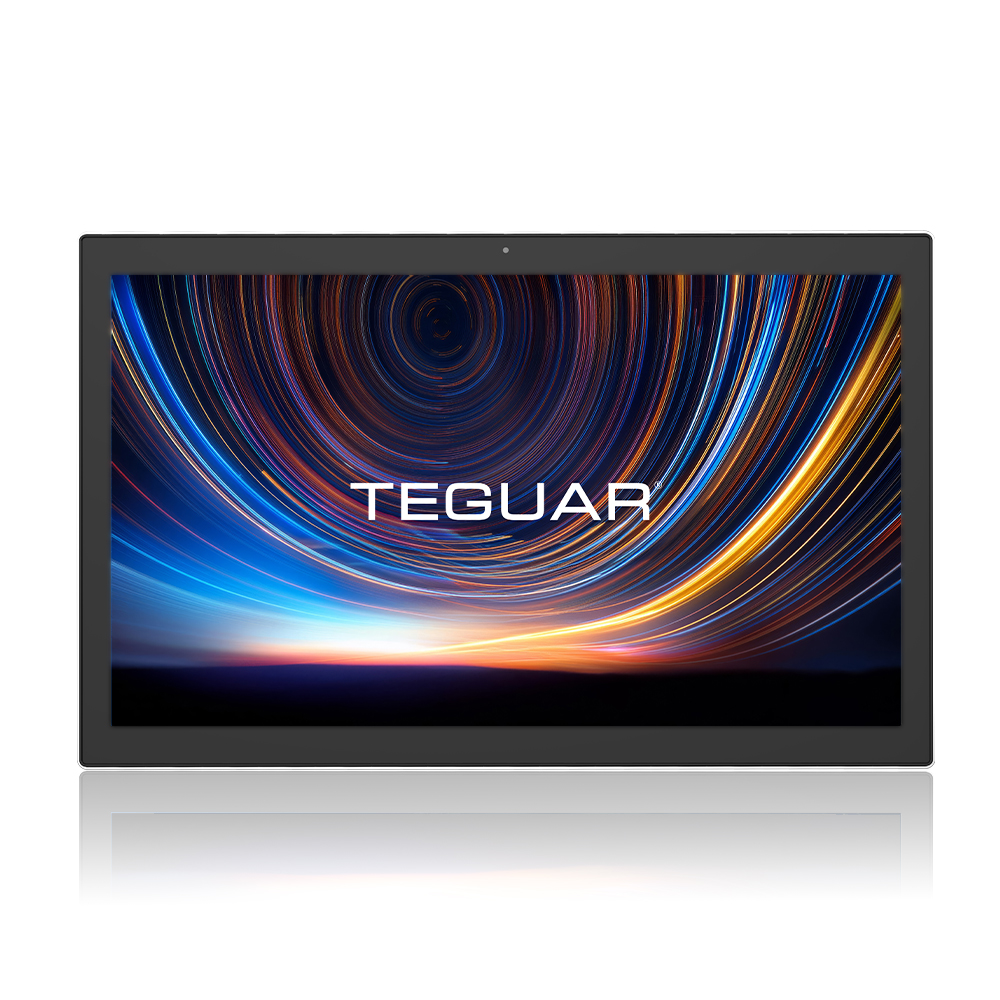
Hardware Specifications & Context: Horizon TM-6140-22 Medical Touchscreen Computer
To support this application, the Horizon TM-6140-22 Medical Touchscreen Computer (medical-panel-pc) offers specialized capabilities:
- Clinical Grade Certifications: Enclosures designed to withstand chemical disinfectants and prevent ingress.
- Form Factor: Tailored for medical panel pc, providing optimal ergonomics and seamless mounting/portability.
- Compute Power: Ideal for running local user interfaces and low-latency network connections directly in the clinical environment.
Architectural Diagram
Below is the system architecture showing the relationship between the React frontend, the local Python edge controller, and the medical-grade hardware layers:
graph TD
    UserInterface[React Bedside Patient Portal] -->|WebSockets / local API| LocalBackend[Python Edge Controller / API]
    LocalBackend -->|Serial / I2C / USB| MedicalSensors[Legacy & Modern Medical Sensors]
    LocalBackend -->|Local Inference| EdgeModel[Edge AI Model / local LLM]
    UserInterface -->|Displays UI| TeguarScreen[Horizon TM-6140-22 Medical Touchscreen Computer]
Software Implementation: Core Code
Here is a primary example of how to implement the interface and connection sync.
1. React Component for Patient Portal / Dashboard
import React, { useEffect, useState } from 'react';

interface SensorData {
  heartRate: number;
  spo2: number;
  timestamp: string;
}

export const MedicalDashboard: React.FC = () => {
  const [data, setData] = useState<SensorData | null>(null);
  const [status, setStatus] = useState<string>('Connecting...');

  useEffect(() => {
    // Establishing low-latency connection to local Python backend
    const socket = new WebSocket('ws://localhost:8000/vitals-stream');

    socket.onopen = () => setStatus('Connected');
    socket.onmessage = (event) => {
      try {
        const payload = JSON.parse(event.data);
        setData(payload);
      } catch (err) {
        console.error("Error parsing vital signals:", err);
      }
    };
    socket.onerror = () => setStatus('Error');
    socket.onclose = () => setStatus('Disconnected');

    return () => socket.close();
  }, []);

  return (
    <div style={{ padding: '24px', fontFamily: 'system-ui', backgroundColor: '#0f172a', color: '#f8fafc', borderRadius: '12px' }}>
      <h2 style={{ fontSize: '1.5rem', fontWeight: 600, marginBottom: '16px' }}>
        Patient Bedside Monitor Dashboard
      </h2>
      <div style={{ marginBottom: '12px' }}>
        Status: <span style={{ color: status === 'Connected' ? '#10b981' : '#f43f5e' }}>{status}</span>
      </div>
      {data ? (
        <div style={{ display: 'grid', gridTemplateColumns: '1fr 1fr', gap: '16px' }}>
          <div style={{ padding: '16px', background: '#1e293b', borderRadius: '8px' }}>
            <h3>Heart Rate</h3>
            <p style={{ fontSize: '2.5rem', margin: 0, color: '#38bdf8' }}>{data.heartRate} bpm</p>
          </div>
          <div style={{ padding: '16px', background: '#1e293b', borderRadius: '8px' }}>
            <h3>SpO2</h3>
            <p style={{ fontSize: '2.5rem', margin: 0, color: '#34d399' }}>{data.spo2}%</p>
          </div>
        </div>
      ) : (
        <p>Awaiting local vitals stream...</p>
      )}
    </div>
  );
};
2. Python Server for Edge AI Integration & Sensors
import asyncio
import json
import random
from fastapi import FastAPI, WebSocket

app = FastAPI()

async def read_hardware_sensors():
    # Simulates reading from serial/I2C connections on Teguar computer
    while True:
      await asyncio.sleep(1.0)
      yield {
          "heartRate": random.randint(65, 95),
          "spo2": random.randint(97, 100)
      }

@app.websocket("/vitals-stream")
async def vitals_endpoint(websocket: WebSocket):
    await websocket.accept()
    try:
        async for data in read_hardware_sensors():
            await websocket.send_json(data)
    except Exception as e:
        print("WebSocket disconnected or closed:", e)
Deploying on Horizon TM-6140-22 Medical Touchscreen Computer
To deploy this setup successfully in a clinical environment:
- Local Network Security: Disable remote configuration on the host. Configure a local-only subnet to transmit patient health information (PHI) safely.
- Kiosk Mode Lock: Configure the operating system (Windows IoT or Linux Enterprise) to boot directly into the React portal in kiosk mode.
- Disinfection Compliance: The front bezel of the Horizon TM-6140-22 Medical Touchscreen Computer allows regular disinfection with hospital-grade wipes without damage to the touch controller.
Conclusion
Combining the high performance of Horizon TM-6140-22 Medical Touchscreen Computer with robust frameworks like React and Python enables safe, responsive bedside monitoring solutions. Following these architectural guidelines ensures that systems remain compliant, fast, and durable.