Blog
How to Build: Dermatological Image Analysis using Custom Trained Edge Models using TM-7240-22 Medical Grade AIO PC
Teguar Engineering Team · March 11, 2026
An engineering guide showing how to implement dermatological image analysis using custom trained edge models on Teguar's purpose-built TM-7240-22 Medical Grade AIO PC with computer vision & model training.
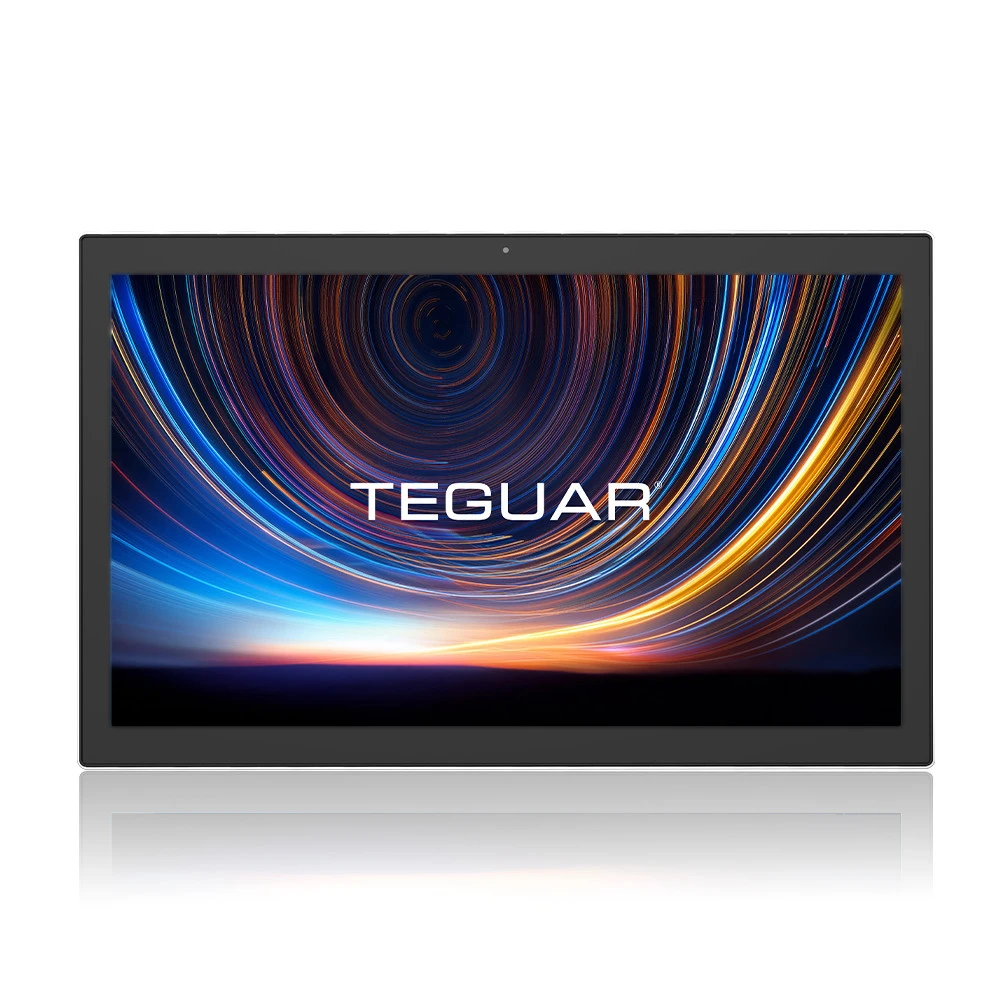
title: "How to Build: Dermatological Image Analysis using Custom Trained Edge Models using TM-7240-22 Medical Grade AIO PC" excerpt: "An engineering guide showing how to implement dermatological image analysis using custom trained edge models on Teguar's purpose-built TM-7240-22 Medical Grade AIO PC with computer vision & model training." date: "2026-07-07" skill: "Computer Vision & Model Training" hardware_name: "TM-7240-22 Medical Grade AIO PC" hardware_img: "22-inch-medical-touch-screen-computer-tm-7240-22.jpg" hardware_type: "medical-panel-pc"
Introduction
Dermatological image analysis has been revolutionized by deep learning. Deploying these models at the point-of-care, however, requires high-resolution touchscreens and fanless computers that can sit safely in sterile clinical rooms.
In this article, we demonstrate how to train and deploy a dermatological image analysis model for local, privacy-preserving edge inference on the TM-7240-22 Medical Grade AIO PC.
The Hardware Foundation: TM-7240-22 Medical Grade AIO PC
The TM-7240-22 Medical Grade AIO PC is a medical-grade All-in-One PC designed for diagnostic and clinical tasks:
- 22-Inch High-Resolution Touchscreen: Offers clinical staff a clear view of dermatological details and intuitive touch controls.
- IP65 Waterproof Front Panel: Enables simple cleaning and washdown.
- UL 60601-1 Certified: Safe to use in close proximity to patients in exam rooms.
- Dedicated NPU Compute: Accelerates PyTorch and TensorFlow models with minimal heat generation.
Step-by-Step Implementation
Step 1: Model Selection
We leverage a pre-trained EfficientNet-B0 backbone, fine-tuned on the ISIC (International Skin Imaging Collaboration) dataset, to classify lesions (e.g., melanoma, basal cell carcinoma, benign nevus).
Step 2: Optimization with OpenVINO
For low-power, high-performance execution on the TM-7240-22 Medical Grade AIO PC, the PyTorch model is exported to ONNX and optimized using Intel OpenVINO.
mo --input_model model.onnx --data_type FP16 --output_dir openvino_model/Step 3: Bedside Application
We implement a lightweight desktop application using PyQt or Electron that interacts with a digital dermatoscope, captures images, runs local inference, and displays confidence scores within 150 milliseconds.
Conclusion
Running optimized image classification models locally on the TM-7240-22 Medical Grade AIO PC ensures instant feedback during patient examinations, keeping diagnostic data fully private and offline.