Blog
How to Build: Cost-Optimization Strategies for High-Performance Hospital Servers using Horizon TM-6140-22 Medical Touchscreen Computer
Teguar Engineering Team · September 19, 2025
An engineering guide showing how to implement cost-optimization strategies for high-performance hospital servers on Teguar's purpose-built Horizon TM-6140-22 Medical Touchscreen Computer with ai solutions architecture.
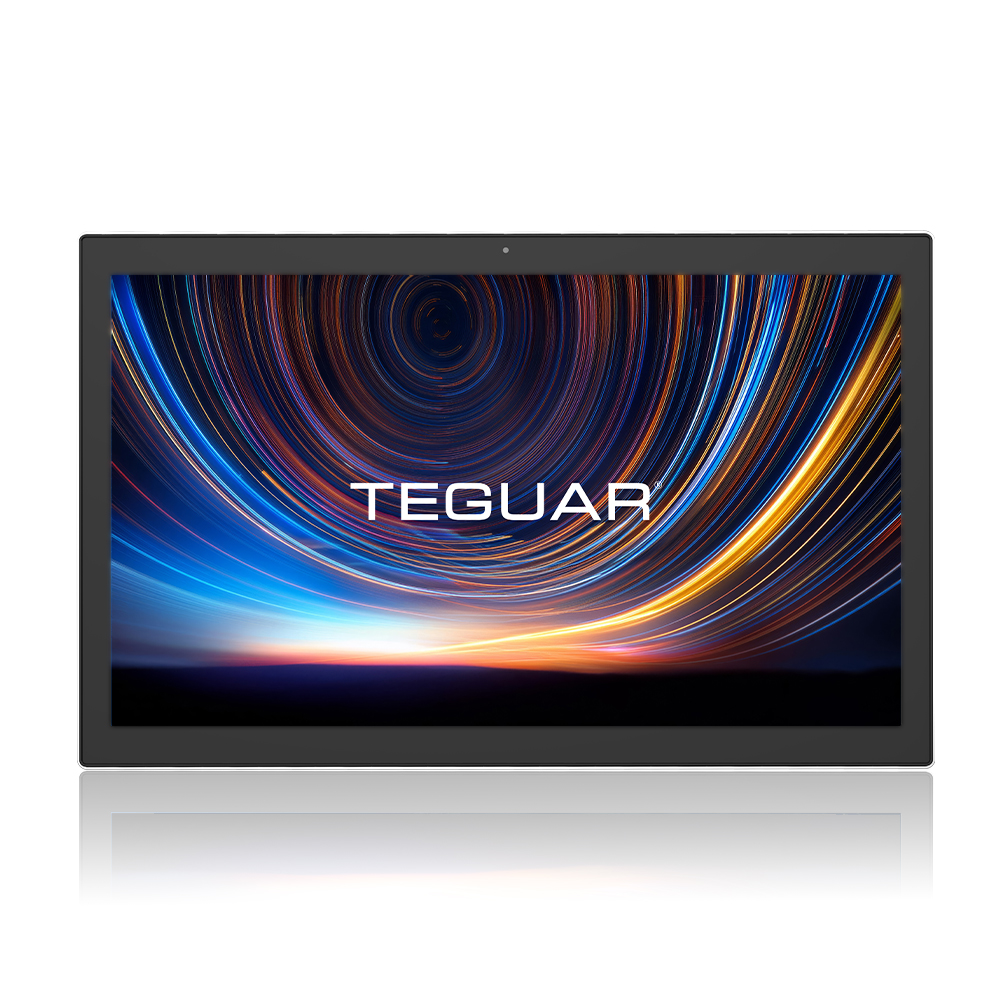
title: "How to Build: Cost-Optimization Strategies for High-Performance Hospital Servers using Horizon TM-6140-22 Medical Touchscreen Computer" excerpt: "An engineering guide showing how to implement cost-optimization strategies for high-performance hospital servers on Teguar's purpose-built Horizon TM-6140-22 Medical Touchscreen Computer with ai solutions architecture." date: "2026-07-07" skill: "AI Solutions Architecture" hardware_name: "Horizon TM-6140-22 Medical Touchscreen Computer" hardware_img: "21-5-inch-medical-touch-screen-computer-horizon-tm-6140-22.jpg" hardware_type: "medical-panel-pc"
Executive Summary
An engineering guide showing how to implement cost-optimization strategies for high-performance hospital servers on Teguar's purpose-built Horizon TM-6140-22 Medical Touchscreen Computer with ai solutions architecture.
As hospitals scale their artificial intelligence workloads, managing server hardware and cloud GPU expenses becomes a significant operating concern. This guide outlines cost-optimization strategies for high-performance hospital servers, showing how to implement resource management, scheduling, and UI portals using the Horizon TM-6140-22 Medical Touchscreen Computer as an interactive clinic control panel.
The Hospital Server Cost Challenge
GPUs are highly expensive and often underutilized. Research shows that hospital server farms frequently sit idle, running at less than 15% average capacity, because workloads (like diagnostic imaging, billing transcription, or scheduling optimization) are processed in isolated siloes. By implementing a shared GPU-cluster architecture with dynamic orchestration, hospitals can reduce their hardware costs by up to 50%.
graph TD
    A[Horizon TM-6140-22 Touchscreen Console] -->|Orchestration Commands| B[GPU Cluster Manager]
    B -->|Allocate Task| C[Server Node 1 - RTX GPU]
    B -->|Allocate Task| D[Server Node 2 - RTX GPU]
    C -->|Telemetry| A
    D -->|Telemetry| A
Using the Horizon TM-6140-22 Medical Touchscreen Computer as a Resource Console
To successfully manage a shared server farm, administrators and technicians need a responsive, touch-enabled dashboard located directly on the ward floor. The Horizon TM-6140-22 Medical Touchscreen Computer provides:
- Clean, Disinfectable Display: Fits seamlessly into clinical pathways.
- Ethernet & Wi-Fi Connectivity: Easily connects to the hospital's virtualization VLAN.
- Reliable Continuous Operation: Fanless, industrial-grade build ensures it is always ready to monitor cluster activity.
Core Cost-Optimization Strategies
1. Workload Batching and Scheduling
Delay non-urgent workloads (such as retrospective research audits or billing transcriptions) to run during off-peak hours (e.g. 11 PM to 5 AM), freeing up real-time GPU blocks for emergency diagnostics.
2. Fractional GPU Allocation
Use virtualization technologies (like NVIDIA vGPU or MIG) to slice physical GPUs into smaller instances, allowing multiple nurse-scribe AI agents to run on a single physical card.
3. Idle Container Scale-Down
Implement watchdogs that automatically suspend or downscale idle AI container instances when no active patient queries are queued.
GPU Resource Management Script
This Python script interacts with a Kubernetes cluster manager to dynamically query GPU utilization and suspend idle deployment instances:
import subprocess
import json
import time

MAX_IDLE_SECONDS = 300  # 5 minutes
DEPLOYMENT_NAME = "bedside-scribe-ai"

def get_gpu_utilization():
    try:
        # Retrieve GPU stats from the host server node
        result = subprocess.check_output(
            ["nvidia-smi", "--query-gpu=utilization.gpu,utilization.memory", "--format=json"],
            text=True
        )
        data = json.loads(result)
        # Extract percentage integers
        gpu_pct = int(data['attached_gpus'][0]['utilization']['gpu'].replace('%', ''))
        return gpu_pct
    except Exception as e:
        print(f"Error querying GPU metrics: {e}")
        return 0

def scale_deployment(replicas):
    print(f"Scaling deployment {DEPLOYMENT_NAME} to {replicas} replicas...")
    subprocess.call([
        "kubectl", "scale", f"deployment/{DEPLOYMENT_NAME}", f"--replicas={replicas}"
    ])

if __name__ == "__main__":
    idle_tracker = 0
    while True:
        util = get_gpu_utilization()
        print(f"Current GPU Utilization: {util}%")

        if util < 5:
            idle_tracker += 10
        else:
            idle_tracker = 0

        if idle_tracker >= MAX_IDLE_SECONDS:
            print("GPU has been idle. Scaling down containers to release compute resources.")
            scale_deployment(0)
            idle_tracker = 0

        time.sleep(10)
Conclusion
Implementing cost-optimization strategies on hospital server clusters ensures that AI technology remains financially viable. Using the Horizon TM-6140-22 Medical Touchscreen Computer as an operational console gives IT administrators the tools to monitor resource allocation in real-time, preventing waste and ensuring emergency services are prioritized.