Blog
How to Build: Configuring Multi-GPU Medical Box PCs for On-Premise Inference using Clarion TM-7200-24 Medical AIO PC
Teguar Engineering Team · March 29, 2025
An engineering guide showing how to implement configuring multi-gpu medical box pcs for on-premise inference on Teguar's purpose-built Clarion TM-7200-24 Medical AIO PC with ai hardware integration.
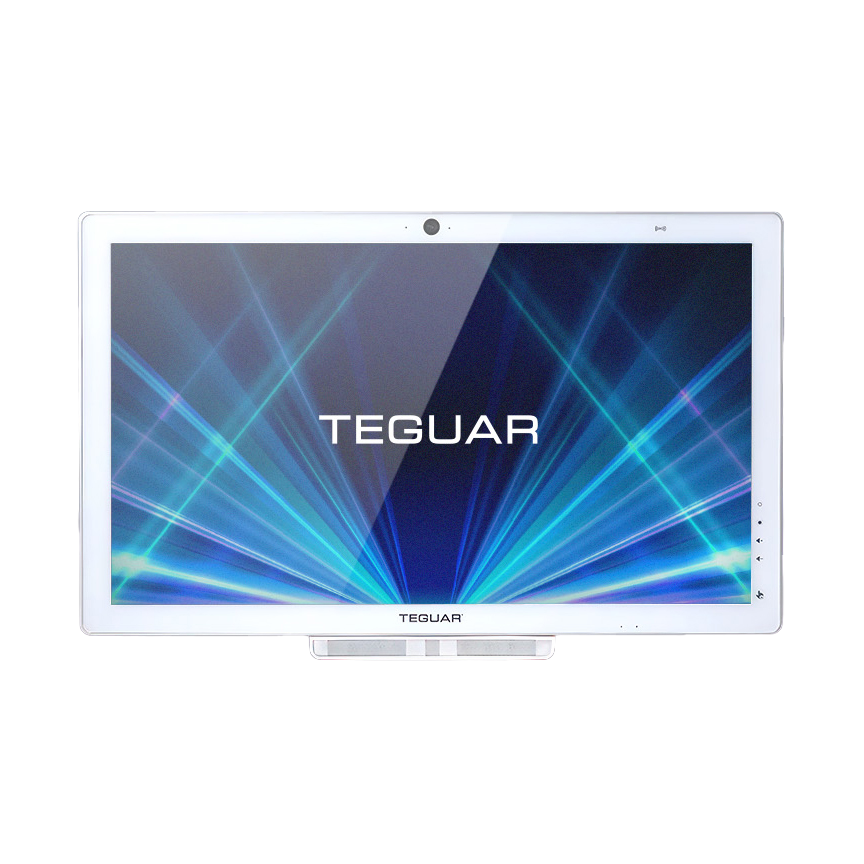
title: "How to Build: Configuring Multi-GPU Medical Box PCs for On-Premise Inference using Clarion TM-7200-24 Medical AIO PC" excerpt: "An engineering guide showing how to implement configuring multi-gpu medical box pcs for on-premise inference on Teguar's purpose-built Clarion TM-7200-24 Medical AIO PC with ai hardware integration." date: "2026-07-07" skill: "AI Hardware Integration" hardware_name: "Clarion TM-7200-24 Medical AIO PC" hardware_img: "24-inch-medical-all-in-one-pc-clarion-tm-7200-24.png" hardware_type: "medical-panel-pc"
Introduction
For high-demand clinical environments running multiple concurrent AI models—such as real-time surgical computer vision, patient vitals forecasting, and speech-to-text scribing—a single GPU is often insufficient. To run these workloads on-premise without sending sensitive data to the cloud, healthcare IT architects must configure multi-GPU clinical systems.
This guide explains how to configure and deploy a multi-GPU setup using the Clarion TM-7200-24 Medical AIO PC as the primary human-machine interface and control node.
The Hardware Foundation: Clarion TM-7200-24 Medical AIO PC
The Clarion TM-7200-24 Medical AIO PC is a medical-grade panel PC designed to coordinate clinical workflows:
- Powerful CPU Hosting: Acts as an orchestrator for local GPU server blocks.
- 60601-1 Isolated Interfaces: Protects external GPU enclosures and clinical networks from electrical surges.
- High-Definition Display: Provides operators with real-time system performance and model visualization.
- IP65 Sealing: Resistant to dust, water, and cleaning chemicals.
Step-by-Step Configuration
Step 1: Hardware Interfacing
We connect the Clarion TM-7200-24 Medical AIO PC to on-premise multi-GPU expansion chassis via high-bandwidth PCIe over fiber optic connections or isolated Gigabit LAN ports.
Step 2: Configuring Containerized Orchestration (Docker & NVIDIA Container Toolkit)
We set up a Docker compose environment to assign separate GPU resources to different model pipelines.
version: '3.8'
services:
  surgical_vision:
    image: clinical-cv-app:latest
    deploy:
      resources:
        reservations:
          devices:
            - driver: nvidia
              count: 1
              capabilities: [gpu]
  scribe_rag:
    image: clinical-llm-app:latest
    deploy:
      resources:
        reservations:
          devices:
            - driver: nvidia
              device_ids: ['1']
              capabilities: [gpu]
Conclusion
Combining the Clarion TM-7200-24 Medical AIO PC's certified, patient-safe interface with high-performance multi-GPU compute pools allows hospitals to scale on-premise AI clinical assistance safely.