Blog
How to Build: Bridging Legacy PACS Systems with Modern Agentic AI Pipelines using TM-7240-22 Medical Grade AIO PC
Teguar Engineering Team · August 22, 2025
An engineering guide showing how to implement bridging legacy pacs systems with modern agentic ai pipelines on Teguar's purpose-built TM-7240-22 Medical Grade AIO PC with ai solutions architecture.
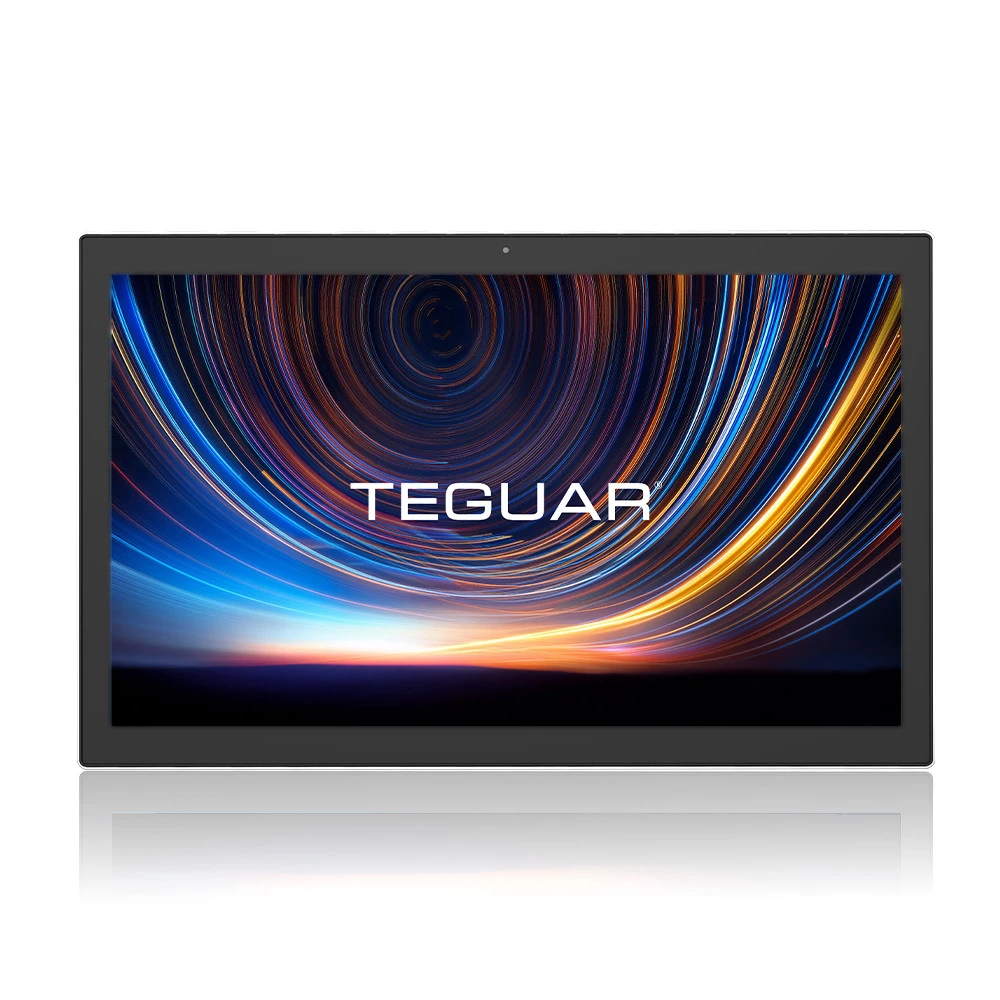
title: "How to Build: Bridging Legacy PACS Systems with Modern Agentic AI Pipelines using TM-7240-22 Medical Grade AIO PC" excerpt: "An engineering guide showing how to implement bridging legacy pacs systems with modern agentic ai pipelines on Teguar's purpose-built TM-7240-22 Medical Grade AIO PC with ai solutions architecture." date: "2026-07-07" skill: "AI Solutions Architecture" hardware_name: "TM-7240-22 Medical Grade AIO PC" hardware_img: "22-inch-medical-touch-screen-computer-tm-7240-22.jpg" hardware_type: "medical-panel-pc"
Executive Summary
An engineering guide showing how to implement bridging legacy pacs systems with modern agentic ai pipelines on Teguar's purpose-built TM-7240-22 Medical Grade AIO PC with ai solutions architecture.
Picture Archiving and Communication Systems (PACS) are the backbone of clinical imaging. However, legacy PACS architectures are notoriously closed and difficult to integrate with modern deep learning and agentic AI models. This guide outlines how to bridge legacy PACS with modern AI pipelines using the TM-7240-22 Medical Grade AIO PC as an edge gateway and visualization terminal.
The PACS-AI Gap
Most clinical PACS communicate via the traditional DICOM (Digital Imaging and Communications in Medicine) protocol. While excellent for image transmission and storage, DICOM is not naturally suited to modern RESTful web APIs, real-time streaming, or agentic AI platforms. Bridging this gap requires an edge system capable of query-retrieval, file parsing, anonymization, and local processing.
graph LR
    A[Legacy PACS Server] -->|DICOM C-MOVE| B[TM-7240-22 Medical Grade AIO PC]
    B -->|Anonymize & Convert| B
    B -->|REST / JSON| C[Agentic AI Pipeline]
    C -->|Structured Findings| B
    B -->|DICOM structured report| A
Leveraging the TM-7240-22 Medical Grade AIO PC
The TM-7240-22 Medical Grade AIO PC is built to sit in radiology suites or bedside carts. With its high-performance processor, crisp touchscreen interface, and medical sealing, it acts as the local processor to:
- Listen for DICOM events: Function as a local DICOM Storage Provider (SCP).
- Convert Images: Extract raw pixel data from DICOM files and convert them to standard formats (JPEG/PNG) for machine learning ingest.
- Execute local AI inference: Run classification models directly on the panel PC to guarantee instantaneous feedback.
Step-by-Step Integration Workflow
1. DICOM Association Setup
Configure the TM-7240-22 Medical Grade AIO PC to act as an Application Entity (AE) on the hospital network. The PACS server is configured to trust the device's IP and port.
2. Automated Ingestion & Extraction
As soon as a scan (e.g. chest X-ray) is completed, the PACS routes a copy of the DICOM file to the panel PC. A local script monitors the landing directory, reads the file, and extracts clinical metadata.
3. Agentic Pipeline Processing
The extracted image is sent to the local inference agent. The agent generates structured findings, which are then packaged back into a standard DICOM Structured Report (SR) file.
DICOM Listener and AI Routing Script
The following Python script uses the pydicom and pynetdicom libraries to run a lightweight DICOM receiver on the panel PC and route images to an AI model:
import os
from pynetdicom import AE, evt
from pydicom import dcmread

# Define target storage folder
RECEIVED_DIR = "/opt/dicom/received"
os.makedirs(RECEIVED_DIR, exist_ok=True)

def handle_store(event):
    # Get dataset from incoming DICOM file
    dataset = event.dataset
    dataset.file_meta = event.file_meta

    # Save the DICOM file locally
    filename = f"{dataset.SOPInstanceUID}.dcm"
    filepath = os.path.join(RECEIVED_DIR, filename)
    dataset.save_as(filepath, write_like_original=False)
    print(f"Stored incoming DICOM study: {dataset.PatientName}")

    # Trigger local AI model analysis
    analyze_dicom_image(filepath)

    # Return success status to PACS sender
    return 0x0000

def analyze_dicom_image(path):
    # Read image pixels using pydicom
    ds = dcmread(path)
    pixel_data = ds.pixel_array
    # Forward the pixel_array to the local Tensorflow/PyTorch container
    print(f"Forwarded {pixel_data.shape} frame to local Edge AI container.")

# Initialize the Application Entity
ae = AE(ae_title=b'EDGE_AI_GATEWAY')
# Add supported presentation contexts (Storage Service Class)
ae.add_supported_context('1.2.840.10008.5.1.4.1.1.7') # Secondary Capture Image Storage

handlers = [(evt.EVT_C_STORE, handle_store)]
print("DICOM Edge Listener running on port 11112...")
ae.start_server(('', 11112), block=True, evt_handlers=handlers)
Conclusion
Bridging legacy PACS with modern AI pipelines does not require a complete database overhaul. Using the TM-7240-22 Medical Grade AIO PC as an intelligent DICOM-to-AI gateway allows hospitals to deploy modern, agentic diagnostic tools while preserving their existing software investments.