Blog
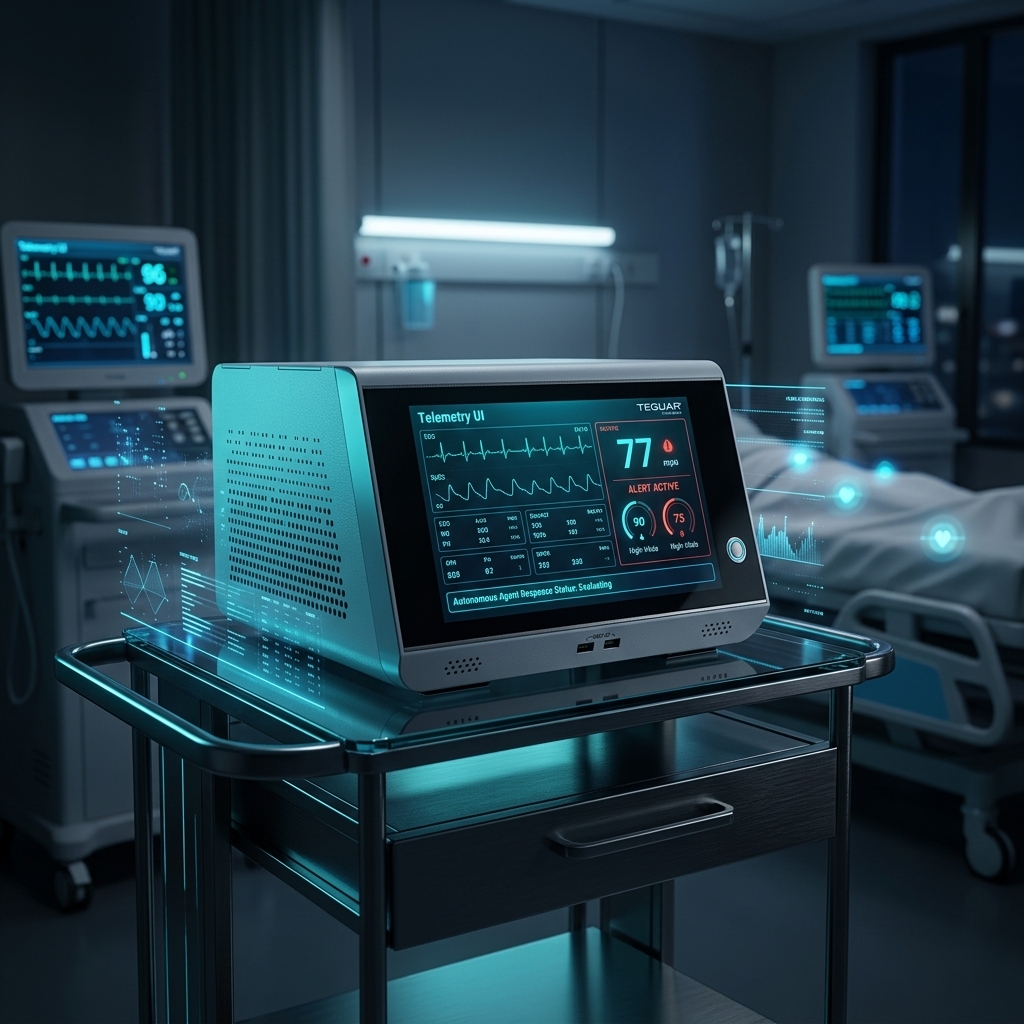
How to Build: Autonomous Patient Vitals Monitoring & Alerting Agents using TMB-7115 Medical AI Computer
Teguar Engineering Team · July 26, 2025
An engineering guide showing how to implement autonomous patient vitals monitoring & alerting agents on Teguar's purpose-built TMB-7115 Medical AI Computer with agentic ai & automation.
title: "How to Build: Autonomous Patient Vitals Monitoring & Alerting Agents using TMB-7115 Medical AI Computer" date: "2026-07-07" category: "Agentic AI & Automation" tags: ["TMB-7115 Medical AI Computer", "medical-box-pc", "Edge AI", "Healthcare Tech"] excerpt: "An engineering guide showing how to implement autonomous patient vitals monitoring & alerting agents on Teguar's purpose-built TMB-7115 Medical AI Computer with agentic ai & automation."
An engineering and architecture guide showing how to implement autonomous patient vitals monitoring & alerting agents on Teguar's purpose-built TMB-7115 Medical AI Computer.
Introduction
Modern healthcare facilities demand high-performance, ultra-reliable computing solutions that can sit directly at the point-of-care. In this engineering guide, we walk through how developers can deploy Autonomous Patient Vitals Monitoring & Alerting Agents utilizing Teguar's advanced hardware to achieve optimal performance, reliability, and security in clinical environments.
Hardware Platform: TMB-7115 Medical AI Computer
Deploying AI models or interactive full-stack dashboards in hospital wards requires specialized hardware. The TMB-7115 Medical AI Computer offers:
- UL/EN 60601-1 Medical Certification: Certified electrical safety and EMC compliance for patient-adjacent use.
- Fanless & Sealed Enclosure: Eliminates moving parts, preventing dust accumulation and enabling thorough sanitization with aggressive chemical cleaners.
- Robust Processing Power: Perfect for executing edge AI workloads, local LLM queries, or high-performance WebSockets communication.
System Architecture
The patient vitals monitoring agent operates as a multi-layered local agentic pipeline:
- Data Ingress (HL7/FHIR & Serial): A lightweight daemon interfaces with local bedside monitors, polling heart rate, SpO2, blood pressure, and respiratory rate at 1Hz.
- Analysis Agent (Local LLM/SLM): An edge-optimized model (e.g., Llama-3-8B-Instruct running on the TMB-7115's onboard GPU) evaluates trends. Unlike simple threshold alarms, it uses clinical history (e.g., "patient is on beta-blockers") to contextualize vitals.
- Alerting & Escalation Agent: If an anomaly is detected, this agent formats the notification, evaluates staff schedules, and routes the alert to the nearest active nurse's mobile device via secure WebSockets.
Step-by-Step Implementation
First, configure the local inference environment using llama.cpp and Python:
import time
from llama_cpp import Llama

# Load local LLM optimized for medical summaries
llm = Llama(model_path="./models/Meta-Llama-3-8B-Instruct.Q4_K_M.gguf", n_gpu_layers=-1)

def analyze_vitals(patient_id, telemetry_data, medical_history):
    prompt = f"""
    <|system|>
    You are a clinical assistant agent. Analyze the patient vitals trend.
    Identify if there is a deterioration trend (SIRS or MEWS score criteria).

    Patient History: {medical_history}
    Current Telemetry (last 5 mins): {telemetry_data}

    Output JSON format: {{"alert_required": true/false, "severity": "low/medium/high", "rationale": "..."}}
    <|user|>
    Evaluate telemetry.
    <|assistant|>
    """
    response = llm(prompt, max_tokens=150, temperature=0.1)
    return response['choices'][0]['text']
Next, interface with the HL7 stream and push anomalies to the notification worker.
Conclusion & Deployment Best Practices
When deploying this system into active clinical workflows:
- Network Redundancy: Ensure fallback to offline local models or stored states if hospital Wi-Fi drops.
- HIPAA & Security Compliance: Encrypt all data in transit (TLS 1.3) and at rest (TPM 2.0 / BitLocker).
- Sterilization Cycles: Schedule automated screen-lock times for cleaning crews to sanitize the TMB-7115 Medical AI Computer without registering accidental touch input.
*To configure a customized build of the TMB-7115 Medical AI Computer for your facility, contact a Teguar product specialist.*