Blog
How to Build: Autonomous Medical Cart Inventory Tracking & Restocking Alerts using Horizon TM-6140-22 Medical Touchscreen Computer
Teguar Engineering Team · December 28, 2025
An engineering guide showing how to implement autonomous medical cart inventory tracking & restocking alerts on Teguar's purpose-built Horizon TM-6140-22 Medical Touchscreen Computer with agentic ai & automation.
title: "How to Build: Autonomous Medical Cart Inventory Tracking & Restocking Alerts using Horizon TM-6140-22 Medical Touchscreen Computer" date: "2026-07-07" category: "Agentic AI & Automation" tags: ["Horizon TM-6140-22 Medical Touchscreen Computer", "medical-panel-pc", "Edge AI", "Healthcare Tech"] excerpt: "An engineering guide showing how to implement autonomous medical cart inventory tracking & restocking alerts on Teguar's purpose-built Horizon TM-6140-22 Medical Touchscreen Computer with agentic ai & automation."
An engineering and architecture guide showing how to implement autonomous medical cart inventory tracking & restocking alerts on Teguar's purpose-built Horizon TM-6140-22 Medical Touchscreen Computer.
Introduction
Modern healthcare facilities demand high-performance, ultra-reliable computing solutions that can sit directly at the point-of-care. In this engineering guide, we walk through how developers can deploy Autonomous Medical Cart Inventory Tracking & Restocking Alerts utilizing Teguar's advanced hardware to achieve optimal performance, reliability, and security in clinical environments.
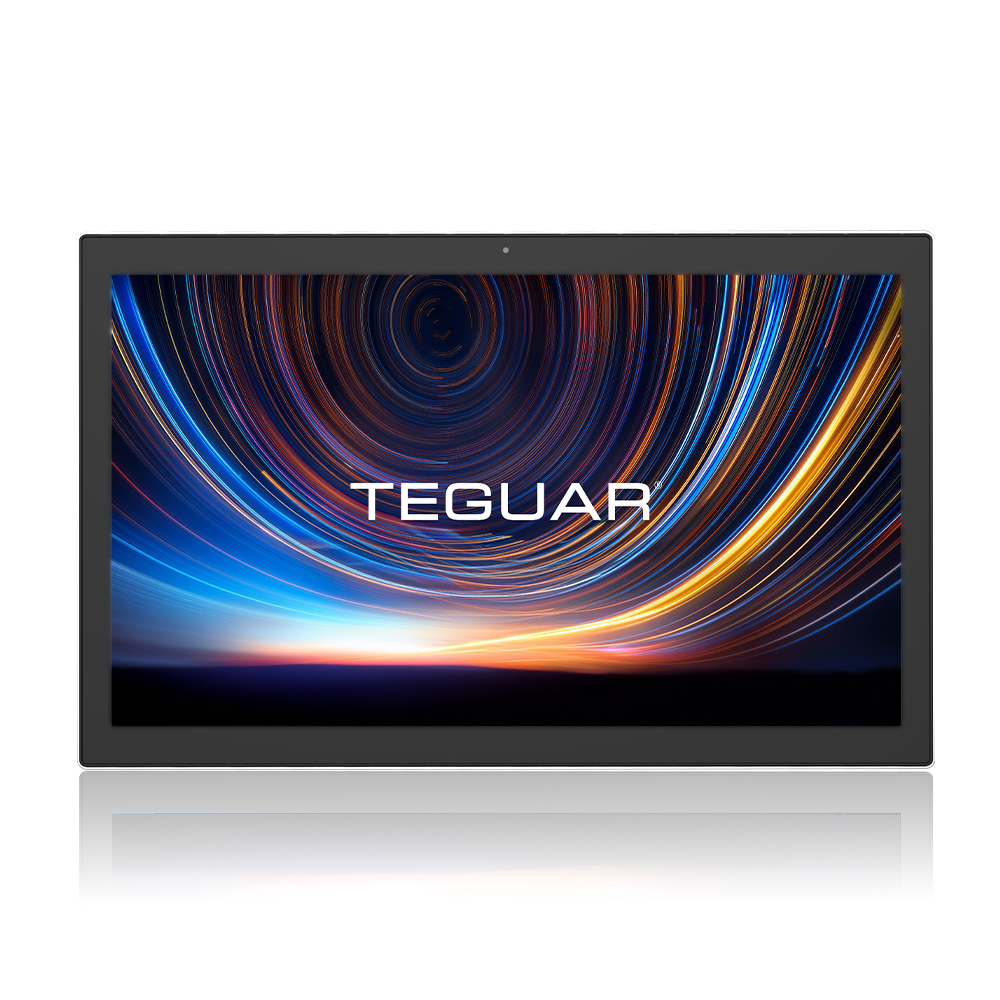
Hardware Platform: Horizon TM-6140-22 Medical Touchscreen Computer
Deploying AI models or interactive full-stack dashboards in hospital wards requires specialized hardware. The Horizon TM-6140-22 Medical Touchscreen Computer offers:
- UL/EN 60601-1 Medical Certification: Certified electrical safety and EMC compliance for patient-adjacent use.
- Fanless & Sealed Enclosure: Eliminates moving parts, preventing dust accumulation and enabling thorough sanitization with aggressive chemical cleaners.
- Robust Processing Power: Perfect for executing edge AI workloads, local LLM queries, or high-performance WebSockets communication.
System Architecture
The Horizon TM-6140-22 Medical Touchscreen Computer is mounted on a mobile medical cart to manage inventory:
- Barcode / RFID Ingress: Scans supplies as they are removed or placed in the cart drawers.
- Inventory Agent: Compares remaining counts with baseline ward restocking parameters.
- Alerting System: Flags low stock levels on the TM-6140-22 display and automatically logs a restocking order in the central hospital pharmacy server.
Step-by-Step Implementation
Here is a snippet showing how inventory adjustments trigger threshold alerts:
class CartInventory:
    def __init__(self, cart_id):
        self.cart_id = cart_id
        self.thresholds = {"sterile_gloves": 5, "saline_bags": 3, "syringes": 10}

    def scan_item_out(self, item_id, count=1):
        current_stock = update_local_db(self.cart_id, item_id, -count)
        if current_stock <= self.thresholds.get(item_id, 0):
            self.trigger_restock_alert(item_id, current_stock)

    def trigger_restock_alert(self, item_id, qty):
        # Notify pharmacy API
        post_pharmacy_alert(self.cart_id, item_id, qty)
Conclusion & Deployment Best Practices
When deploying this system into active clinical workflows:
- Network Redundancy: Ensure fallback to offline local models or stored states if hospital Wi-Fi drops.
- HIPAA & Security Compliance: Encrypt all data in transit (TLS 1.3) and at rest (TPM 2.0 / BitLocker).
- Sterilization Cycles: Schedule automated screen-lock times for cleaning crews to sanitize the Horizon TM-6140-22 Medical Touchscreen Computer without registering accidental touch input.
*To configure a customized build of the Horizon TM-6140-22 Medical Touchscreen Computer for your facility, contact a Teguar product specialist.*