Blog
How to Build: Automated ICU Patient Deterioration Early Warning Systems using TM-7240-22 Medical Grade AIO PC
Teguar Engineering Team · June 3, 2026
An engineering guide showing how to implement automated icu patient deterioration early warning systems on Teguar's purpose-built TM-7240-22 Medical Grade AIO PC with agentic ai & automation.
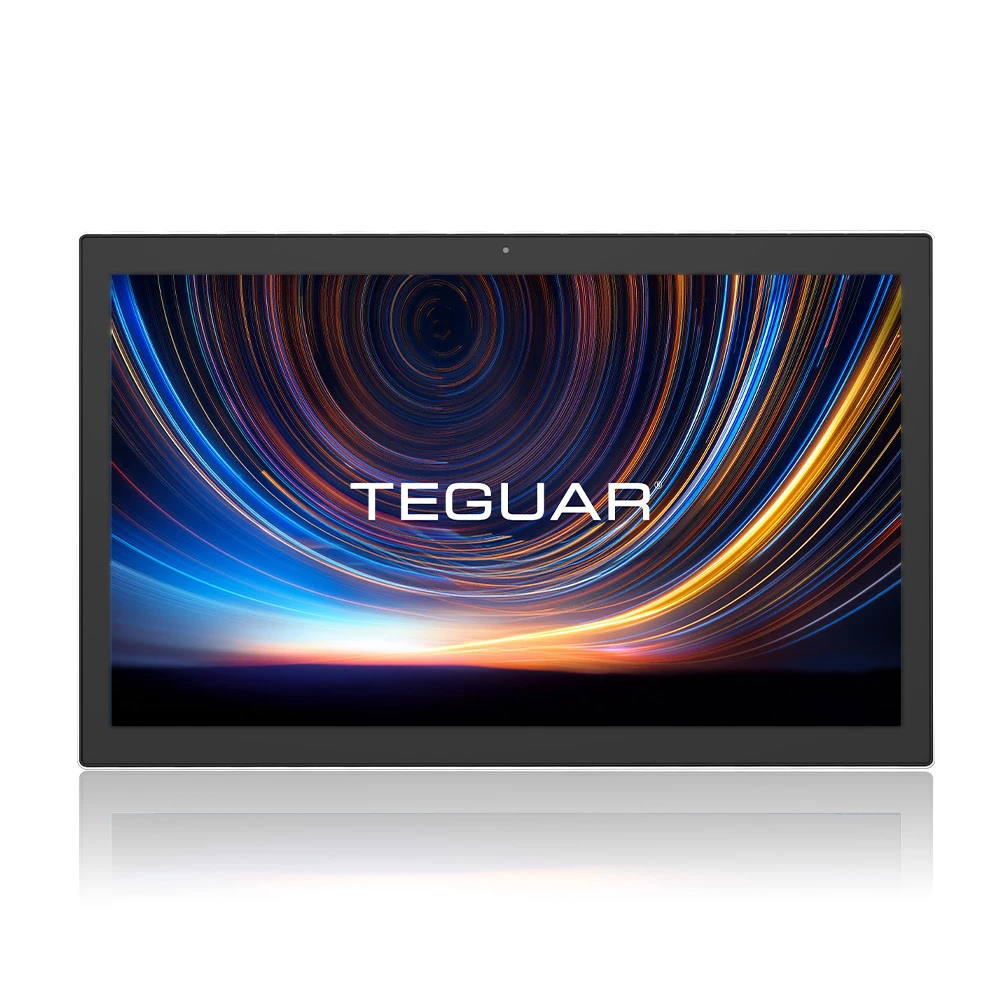
title: "How to Build: Automated ICU Patient Deterioration Early Warning Systems using TM-7240-22 Medical Grade AIO PC" date: "2026-07-07" category: "Agentic AI & Automation" tags: ["TM-7240-22 Medical Grade AIO PC", "medical-panel-pc", "Edge AI", "Healthcare Tech"] excerpt: "An engineering guide showing how to implement automated icu patient deterioration early warning systems on Teguar's purpose-built TM-7240-22 Medical Grade AIO PC with agentic ai & automation."
An engineering and architecture guide showing how to implement automated icu patient deterioration early warning systems on Teguar's purpose-built TM-7240-22 Medical Grade AIO PC.
Introduction
Modern healthcare facilities demand high-performance, ultra-reliable computing solutions that can sit directly at the point-of-care. In this engineering guide, we walk through how developers can deploy Automated ICU Patient Deterioration Early Warning Systems utilizing Teguar's advanced hardware to achieve optimal performance, reliability, and security in clinical environments.
Hardware Platform: TM-7240-22 Medical Grade AIO PC
Deploying AI models or interactive full-stack dashboards in hospital wards requires specialized hardware. The TM-7240-22 Medical Grade AIO PC offers:
- UL/EN 60601-1 Medical Certification: Certified electrical safety and EMC compliance for patient-adjacent use.
- Fanless & Sealed Enclosure: Eliminates moving parts, preventing dust accumulation and enabling thorough sanitization with aggressive chemical cleaners.
- Robust Processing Power: Perfect for executing edge AI workloads, local LLM queries, or high-performance WebSockets communication.
System Architecture
The TM-7240-22 Medical Grade AIO PC runs a multi-agent deterioration early warning pipeline in the ICU:
- Intensive Care Data Ingestion: Continuously streams arterial line readings, ventilator parameters, and nurse chart notes from the EHR.
- Time-Series Analysis Agent: Analyzes changes in respiratory rate, temperature, and GCS (Glasgow Coma Scale) to calculate an active National Early Warning Score (NEWS2).
- Predictive Deterioration Agent: Uses an edge-deployed lightgbm model combined with an LLM summarizer to predict the likelihood of sepsis or respiratory arrest in the next 4 to 6 hours.
Step-by-Step Implementation
Here is how the early warning prediction is calculated and logged:
import numpy as np
import pandas as pd

def calculate_news2(vitals):
    # NEWS2 scoring logic
    score = 0
    hr = vitals.get('heart_rate', 70)
    rr = vitals.get('respiratory_rate', 15)
    temp = vitals.get('temperature', 37.0)
    spo2 = vitals.get('spo2', 98)

    if rr >= 25 or rr <= 8: score += 3
    if spo2 <= 91: score += 3
    if temp >= 39.1 or temp <= 35.0: score += 3
    if hr >= 131 or hr <= 40: score += 3

    return score

def check_deterioration(patient_id, telemetry_window):
    score = calculate_news2(telemetry_window)
    if score >= 5:
        # Trigger Escalation Agent
        trigger_icu_alert(patient_id, score, telemetry_window)
Conclusion & Deployment Best Practices
When deploying this system into active clinical workflows:
- Network Redundancy: Ensure fallback to offline local models or stored states if hospital Wi-Fi drops.
- HIPAA & Security Compliance: Encrypt all data in transit (TLS 1.3) and at rest (TPM 2.0 / BitLocker).
- Sterilization Cycles: Schedule automated screen-lock times for cleaning crews to sanitize the TM-7240-22 Medical Grade AIO PC without registering accidental touch input.
*To configure a customized build of the TM-7240-22 Medical Grade AIO PC for your facility, contact a Teguar product specialist.*