Blog
How to Build: Agentic Patient Triaging in Emergency Departments using Horizon TM-6140-22 Medical Touchscreen Computer
Teguar Engineering Team · April 10, 2025
An engineering guide showing how to implement agentic patient triaging in emergency departments on Teguar's purpose-built Horizon TM-6140-22 Medical Touchscreen Computer with agentic ai & automation.
title: "How to Build: Agentic Patient Triaging in Emergency Departments using Horizon TM-6140-22 Medical Touchscreen Computer" date: "2026-07-07" category: "Agentic AI & Automation" tags: ["Horizon TM-6140-22 Medical Touchscreen Computer", "medical-panel-pc", "Edge AI", "Healthcare Tech"] excerpt: "An engineering guide showing how to implement agentic patient triaging in emergency departments on Teguar's purpose-built Horizon TM-6140-22 Medical Touchscreen Computer with agentic ai & automation."
An engineering and architecture guide showing how to implement agentic patient triaging in emergency departments on Teguar's purpose-built Horizon TM-6140-22 Medical Touchscreen Computer.
Introduction
Modern healthcare facilities demand high-performance, ultra-reliable computing solutions that can sit directly at the point-of-care. In this engineering guide, we walk through how developers can deploy Agentic Patient Triaging in Emergency Departments utilizing Teguar's advanced hardware to achieve optimal performance, reliability, and security in clinical environments.
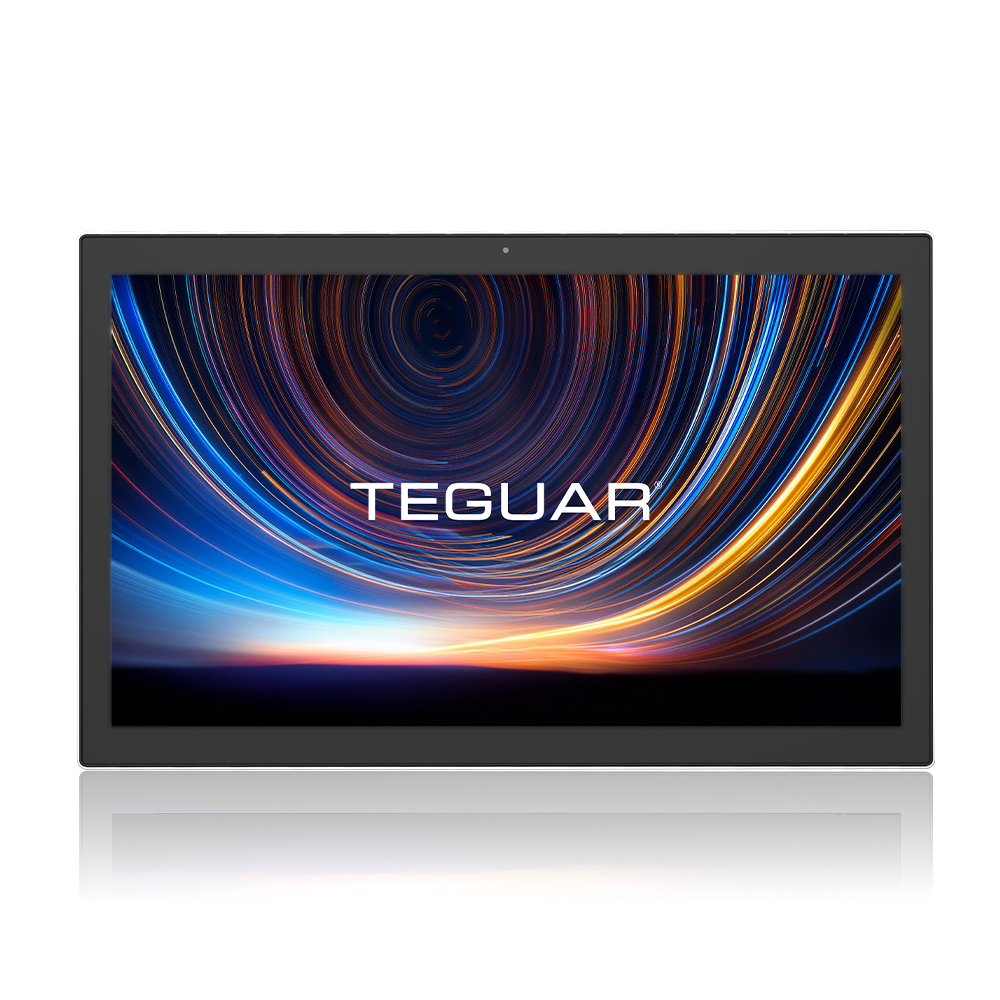
Hardware Platform: Horizon TM-6140-22 Medical Touchscreen Computer
Deploying AI models or interactive full-stack dashboards in hospital wards requires specialized hardware. The Horizon TM-6140-22 Medical Touchscreen Computer offers:
- UL/EN 60601-1 Medical Certification: Certified electrical safety and EMC compliance for patient-adjacent use.
- Fanless & Sealed Enclosure: Eliminates moving parts, preventing dust accumulation and enabling thorough sanitization with aggressive chemical cleaners.
- Robust Processing Power: Perfect for executing edge AI workloads, local LLM queries, or high-performance WebSockets communication.
System Architecture
In high-volume Emergency Departments, patient triaging is critical. The TM-6140-22 Medical Touchscreen Computer acts as the front-end kiosk and clinician interface, processing:
- Patient Intake Interface: An interactive, touch-enabled React client captures patient symptoms, pain scale, and basic demographic info.
- Clinical Reasoner Agent: An agent running locally parses the unstructured symptom input, compares it against the Emergency Severity Index (ESI) protocol, and classifies the patient into levels 1 (immediate resuscitation) through 5 (non-urgent).
- Clinician Validation Screen: Shows the suggested ESI level, the clinical evidence parsed, and requests the triage nurse's override or confirmation.
Step-by-Step Implementation
Below is a snippet of the React/TypeScript component running on the Horizon TM-6140-22's touch screen interface:
import React, { useState } from 'react';

export const TriageKiosk: React.FC = () => {
  const [symptoms, setSymptoms] = useState('');
  const [esiLevel, setEsiLevel] = useState<number | null>(null);

  const handleTriageAnalyze = async () => {
    const response = await fetch('/api/triage/evaluate', {
      method: 'POST',
      headers: { 'Content-Type': 'application/json' },
      body: JSON.stringify({ symptoms })
    });
    const result = await response.json();
    setEsiLevel(result.esiLevel);
  };

  return (
    <div className="triage-container p-6 bg-slate-900 text-white rounded-xl">
      <h2 className="text-2xl font-bold">Emergency Department Self-Triage</h2>
      <textarea
        className="w-full mt-4 p-3 bg-slate-800 border border-slate-700 rounded"
        placeholder="Describe your symptoms in detail..."
        value={symptoms}
        onChange={(e) => setSymptoms(e.target.value)}
      />
      <button onClick={handleTriageAnalyze} className="mt-4 px-6 py-2 bg-blue-600 rounded hover:bg-blue-700">
        Submit Symptoms
      </button>
      {esiLevel && (
        <div className="mt-6 p-4 bg-blue-950 border border-blue-800 rounded">
          <span className="font-semibold">Recommended ESI Priority Level: {esiLevel}</span>
        </div>
      )}
    </div>
  );
};
Conclusion & Deployment Best Practices
When deploying this system into active clinical workflows:
- Network Redundancy: Ensure fallback to offline local models or stored states if hospital Wi-Fi drops.
- HIPAA & Security Compliance: Encrypt all data in transit (TLS 1.3) and at rest (TPM 2.0 / BitLocker).
- Sterilization Cycles: Schedule automated screen-lock times for cleaning crews to sanitize the Horizon TM-6140-22 Medical Touchscreen Computer without registering accidental touch input.
*To configure a customized build of the Horizon TM-6140-22 Medical Touchscreen Computer for your facility, contact a Teguar product specialist.*